
Fix Underexposed Photos and Recover Shadow Detail
Your photo came out too dark. The details are there, hidden in the shadows. ProGrade AI recovers them in one click without adding noise or washing out colors.
Professional exposure correction powered by AI. No sliders, no guesswork, no subscription.
✨ Fix Your Underexposed PhotoWhy Photos Come Out Underexposed
- Incorrect camera metering in mixed light
- Shooting backlit subjects without flash
- Phone cameras underexposing to avoid blown highlights
- Manual settings too conservative for the scene
How ProGrade AI Fixes Underexposure
- Intelligent exposure recovery without highlight blowout
- Shadow detail restoration with natural tones
- Color accuracy preserved across the tonal range
- Dynamic range expansion for balanced results
How It Works
Upload your underexposed photo
ProGrade AI analyzes exposure, shadows, and color
Download your corrected, naturally bright image
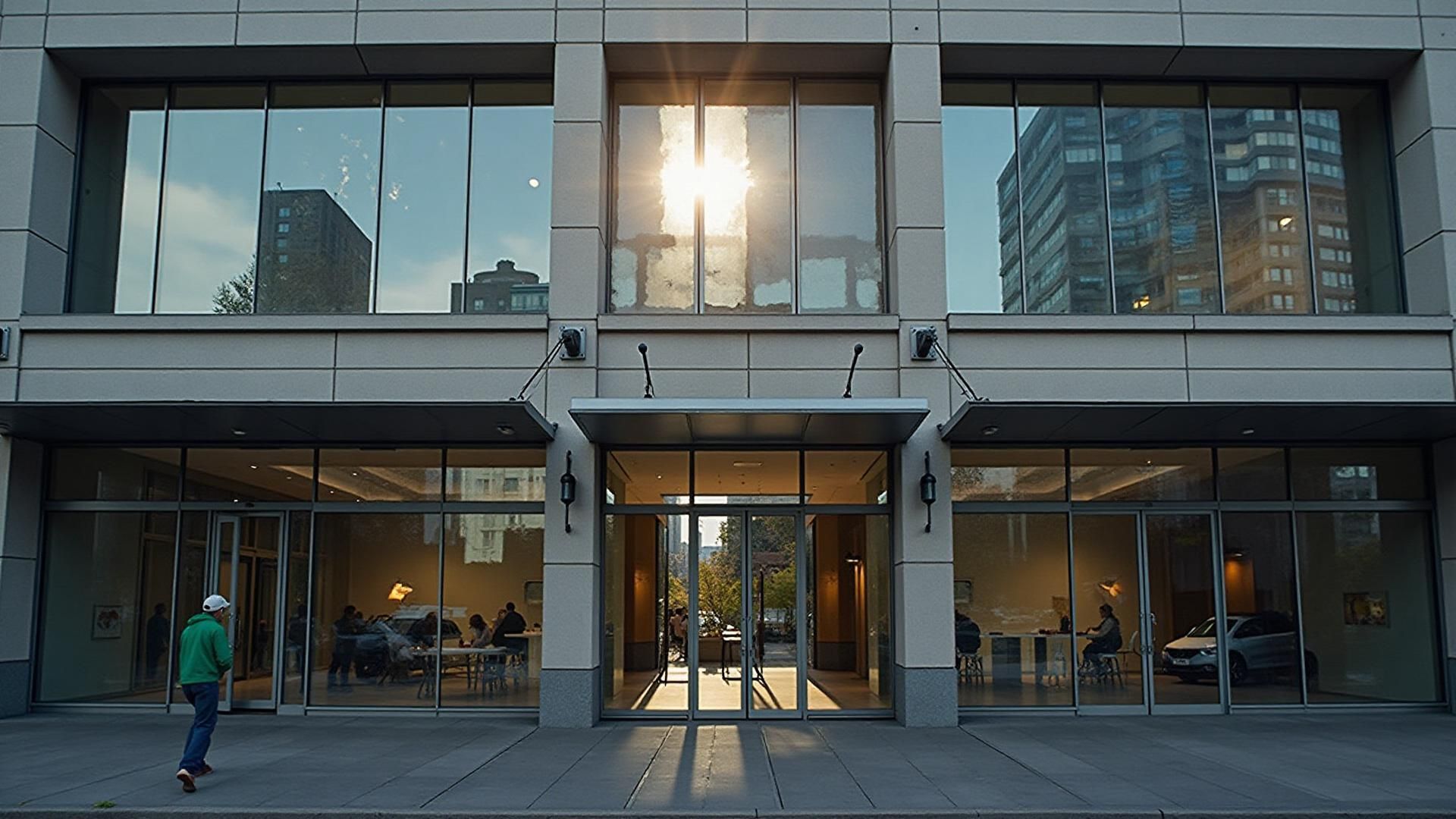
Before and After
See how ProGrade AI recovers detail from underexposed photos while maintaining natural color and tone.
Common Use Cases
- Indoor event photography (parties, conferences)
- Backlit outdoor portraits
- Restaurant and bar interiors
- Museum and gallery shots where flash is banned
- Car interiors for dealership listings
The Science Behind Underexposed Photos
Every digital photo is made up of millions of pixels, each recording a brightness value. When a photo is underexposed, most of those values sit in the bottom quarter of the tonal range. The detail is technically there, captured by the sensor, but compressed into a narrow band of dark tones that your screen renders as near-black.
Traditional brightness adjustments simply multiply all pixel values by the same factor. This lifts shadows but also amplifies sensor noise, which is why brightened photos often look grainy and washed out. Highlights get pushed to pure white, midtones lose their natural separation, and the photo ends up looking flat despite being brighter.
ProGrade AI takes a fundamentally different approach. Instead of applying a uniform brightness boost, it analyzes the tonal distribution of each image individually. It identifies shadow regions that contain recoverable detail, midtones that need gentle lifting, and highlights that must be protected. The result is an image where shadows reveal their hidden information while highlights retain their natural roll-off.
This per-image analysis is what separates intelligent exposure correction from basic brightness sliders. Every photo has a different tonal character, different noise profile, and different highlight headroom. ProGrade AI adapts to each one.
Why Phone Cameras Produce So Many Underexposed Photos
Phone cameras are engineering marvels squeezed into a space smaller than a fingertip. But physics imposes hard limits. A phone sensor is roughly 25 times smaller than a full-frame camera sensor, which means each pixel captures far less light. In bright outdoor conditions this barely matters. Indoors, at night, or in any mixed-lighting situation, the difference becomes dramatic.
Phone cameras also use aggressive metering algorithms that prioritize avoiding blown highlights. If there is a window, lamp, or any bright spot in the frame, the camera exposes for that bright area, leaving everything else too dark. This is why indoor photos with windows almost always have dark interiors despite the room looking fine to your eyes.
The human visual system has roughly 20 stops of dynamic range. A phone camera has about 10 to 12. That gap is where underexposed photos come from. ProGrade AI bridges that gap by recovering the information your phone captured but could not display correctly.
Underexposure vs Low Light: Understanding the Difference
Underexposure and low light are related but distinct problems. A photo can be underexposed in bright daylight if the camera settings are wrong. Conversely, a low-light photo can be properly exposed if the camera compensates with a longer shutter speed or higher ISO.
In practice, most underexposed photos people want to fix are a combination of both: taken in challenging light with a camera that did not fully compensate. ProGrade AI handles the full spectrum, from slightly dark outdoor shots that just need a gentle lift to severely underexposed indoor images that need significant shadow recovery. The AI adapts its correction strength to match the severity of the problem.
Frequently Asked Questions
What does underexposed mean in photography?
An underexposed photo is too dark because not enough light reached the camera sensor. Details hide in shadows, colors look muddy, and the overall image appears dim. This happens frequently with phone cameras indoors or when shooting against bright backgrounds.
Can I fix an underexposed photo without Photoshop?
Yes. ProGrade AI fixes underexposed photos in one click with no software installation. Upload your dark image, and AI recovers shadow detail, corrects color, and balances exposure automatically.
Will brightening an underexposed photo add noise?
Basic brightness sliders amplify noise when lifting shadows. ProGrade AI uses intelligent exposure correction that recovers detail without amplifying grain, producing clean results even from very dark originals.
What is the best free tool to fix underexposed photos?
ProGrade AI offers free AI-powered exposure correction that outperforms manual editing. It analyzes each image individually and applies precise adjustments rather than blanket brightness increases.
How is this different from just increasing brightness?
Increasing brightness raises all tones equally, washing out highlights and creating a flat look. ProGrade AI selectively lifts shadows, preserves midtones, and protects highlights for a naturally balanced exposure.
Does it work on RAW files?
ProGrade AI works with JPEG and PNG uploads. For RAW files, export to JPEG first. The AI correction is powerful enough to recover significant detail even from compressed formats.
Stop losing photos to bad exposure. Fix them in seconds with AI.
✨ Try ProGrade AI FreeRelated AI Tools
- →Before and After Gallery
- →How AI Color Grading Works
- →Fix Blurry Photos
- →Brighten Dark Photos Online
- →Remove Yellow Tint
- →Correct White Balance with AI
- →Make Photo Professional
- →Improve Photo Quality
- →Best Lightroom Alternative
- →Best AI Photo Editor
- →How AI Real Estate Editing Works
- →Best AI Real Estate Photo Editor
- →Auto Enhance Listing Photos
- →Interior and Architectural Photo Editing
- →Restore Old Photos with AI
- →Fix Low Light Photos with AI
- →Improve Real Estate Photos
- →AI Headshot Photo Editor
- →Portrait Skin Tone Color Correction
- →Wedding Photo Color Grading
- →Batch Photo Color Correction
- →Ecommerce Product Photo Color Accuracy
- →Fix Grainy Photos with AI
- →AI Photo Editor for Social Media
- →Food Photography Editing AI
- →One-Click Photo Enhancer
- →Photo Editor Without a Subscription
- →Photo Editor vs Adobe Subscription
- →Airbnb Photo Editing AI
- →Enhance Photos Instantly
- →AI Photo Color Correction Tool
- →Fix Phone Camera Photos with AI
- →Auto Enhance Listing Photos
- →AI Photo Editor for Small Business
- →What Is ProGrade AI
- →3D Rendering with Custom Materials
- →Turn Floor Plan into 3D Image