
Photo Color Correction Tool for One Off Fixes
Wrong white balance. Muddy tones. Color casts from mixed lighting. ProGrade AI fixes all of it instantly with intelligent, per-image color correction.
Professional color correction that used to take minutes per photo now takes seconds. No presets, no sliders, no subscription.
✨ Color Correct Your PhotoCommon Color Problems in Photos
- Inconsistent white balance across a shoot
- Color casts from mixed lighting (tungsten, fluorescent, daylight)
- Flat, desaturated photos straight from camera
- Over-saturated edits that look unnatural
How ProGrade AI Corrects Color
- Analyzes the full color spectrum of your image
- Corrects white balance and removes unwanted color casts
- Applies professional-grade tonal adjustments
- Delivers natural, balanced color in seconds
3 Steps to Perfect Color
Upload your photo
AI corrects color, white balance, and tone
Download your professionally color-corrected image
Before and After
See how AI color correction transforms photos with wrong white balance and color casts into clean, professional images.
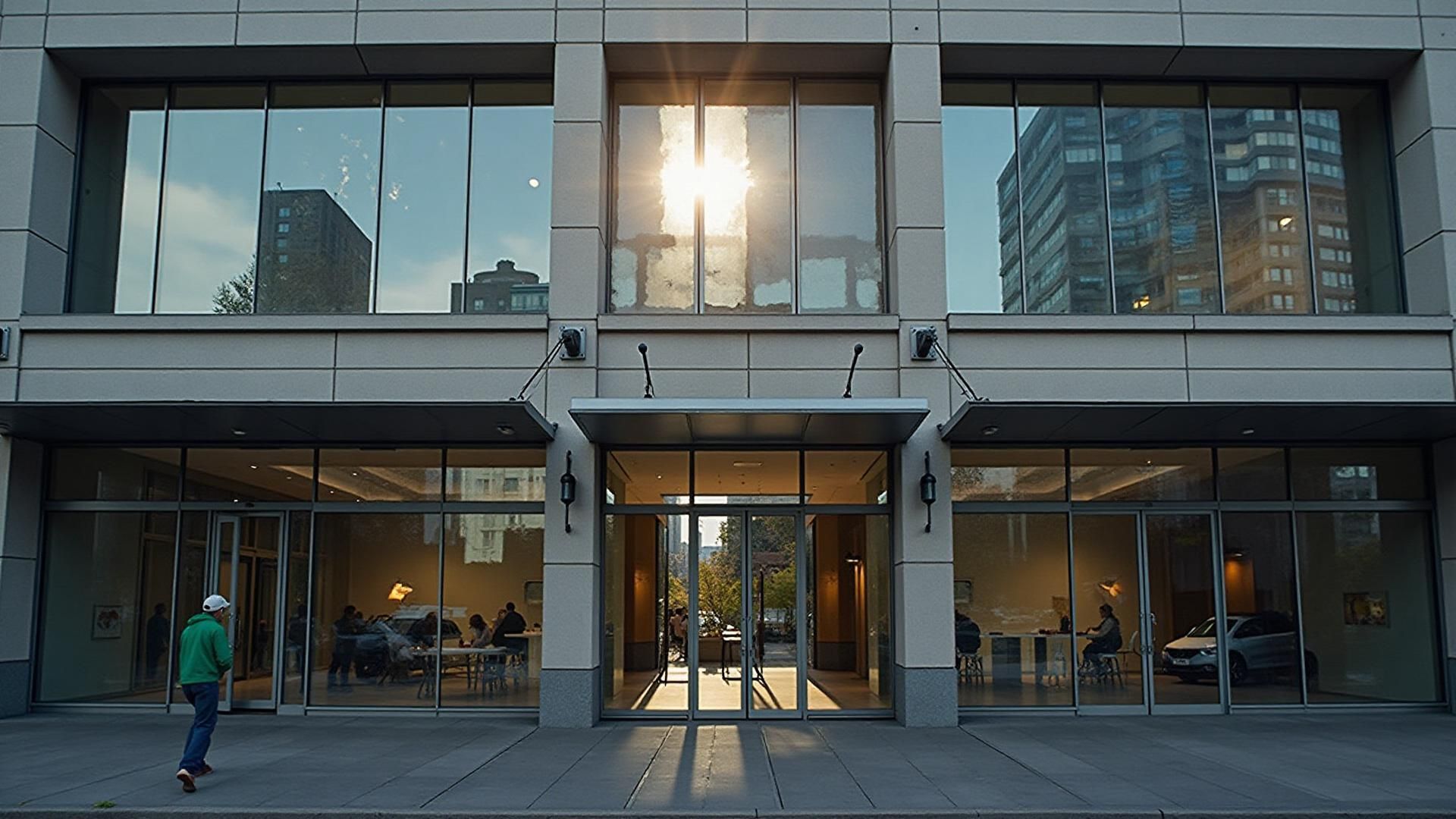
Who Uses AI Color Correction
- Photographers editing large shoots quickly
- Real estate agents with inconsistent listing photos
- E-commerce sellers needing accurate product colors
- Social media creators building a cohesive feed
- Anyone tired of manual color slider adjustments
Understanding Color Problems in Digital Photography
Every light source has a color temperature measured in Kelvin. Daylight sits around 5500K and appears neutral to our eyes. Tungsten bulbs emit warm light around 2700K, creating a yellow-orange cast. Fluorescent tubes produce green-tinged light. LED panels vary wildly depending on quality. When your camera's white balance setting does not match the actual light source, the entire image shifts toward that color.
Mixed lighting is even harder. A room lit by both daylight from windows and tungsten lamps has two different color temperatures competing. No single white balance setting can correct both simultaneously. This is where phone cameras struggle most, because they pick one compromise setting that leaves parts of the image with visible color casts.
ProGrade AI analyzes color temperature across different regions of the image, not just globally. It identifies neutral reference points like white walls, gray surfaces, and skin tones, then applies localized corrections that address mixed-lighting scenarios far more effectively than a single white balance slider.
Why Manual Color Correction Takes So Long
Professional color correction in Lightroom or Photoshop typically involves adjusting white balance, tint, individual HSL channels, tone curves, and sometimes split toning. A skilled editor spends 2 to 5 minutes per image getting colors right. For a 200-image wedding shoot, that is 7 to 17 hours of color work alone.
The challenge is not just time but consistency. Human perception of color shifts over long editing sessions. What looked neutral at hour one may look slightly warm by hour three because your eyes have adapted. Batch presets help but cannot account for the natural variation in lighting across a shoot.
AI color correction solves both problems. ProGrade AI processes each image individually in seconds, applying consistent perceptual standards that do not drift over time. The result is faster throughput and more consistent output than manual editing can achieve.
Color Accuracy vs Color Style
There is an important distinction between color correction and color grading. Color correction fixes technical problems: white balance errors, exposure shifts, and unwanted color casts. The goal is accurate, neutral, true-to-life color. Color grading adds a creative look: warm tones for golden hour, cool blues for moody portraits, desaturated earth tones for editorial fashion.
ProGrade AI focuses on correction first. It ensures your image has technically accurate color as a foundation. From there, you can apply creative grading if desired. This approach means the AI never fights your creative intent. It fixes what is broken and leaves your artistic choices intact.
Frequently Asked Questions
What is AI photo color correction?
AI photo color correction uses machine learning to analyze and fix color issues in photos automatically. It corrects white balance, removes color casts, and adjusts tones to produce natural, professional results without manual editing.
Is AI color correction better than manual editing?
For most photos, yes. AI analyzes thousands of color relationships simultaneously and applies corrections in seconds. Manual editing gives fine control but takes minutes per image. ProGrade AI delivers professional results in one click.
Can AI fix color casts from indoor lighting?
Yes. Indoor lighting (tungsten, fluorescent, LED) creates yellow, green, or blue color casts. ProGrade AI identifies the cast type and neutralizes it while preserving natural skin tones and material colors.
Will it change my creative color choices?
ProGrade AI corrects technical color problems, not creative intent. It fixes white balance errors, removes unwanted casts, and balances exposure. Your composition and creative style remain untouched.
How is this different from Instagram filters?
Instagram filters apply the same preset to every photo regardless of its needs. ProGrade AI analyzes each image individually and applies targeted corrections. The result is accurate color, not a stylized effect.
Does it work for batch color correction?
Yes. ProGrade AI offers batch editing that applies consistent, intelligent color correction across multiple images. Perfect for photo shoots, product catalogs, and listing sets.
Stop fighting with color sliders. Let AI do it in one click.
✨ Try ProGrade AI FreeRelated AI Tools
- →Before and After Gallery
- →How AI Color Grading Works
- →Fix Blurry Photos
- →Brighten Dark Photos Online
- →Fix Underexposed Photos
- →Remove Yellow Tint
- →Correct White Balance with AI
- →Make Photo Professional
- →Improve Photo Quality
- →Best Lightroom Alternative
- →Best AI Photo Editor
- →How AI Real Estate Editing Works
- →Best AI Real Estate Photo Editor
- →Auto Enhance Listing Photos
- →Interior and Architectural Photo Editing
- →Restore Old Photos with AI
- →Fix Low Light Photos with AI
- →Improve Real Estate Photos
- →AI Headshot Photo Editor
- →Portrait Skin Tone Color Correction
- →Wedding Photo Color Grading
- →Batch Photo Color Correction
- →Ecommerce Product Photo Color Accuracy
- →Fix Grainy Photos with AI
- →AI Photo Editor for Social Media
- →Food Photography Editing AI
- →One-Click Photo Enhancer
- →Photo Editor Without a Subscription
- →Photo Editor vs Adobe Subscription
- →Airbnb Photo Editing AI
- →Enhance Photos Instantly
- →Fix Phone Camera Photos with AI
- →Auto Enhance Listing Photos
- →AI Photo Editor for Small Business
- →What Is ProGrade AI
- →3D Rendering with Custom Materials
- →Turn Floor Plan into 3D Image