
Before and after gallery
Every pair below is a real ProGrade AI result: the photograph on the left is the file as it was uploaded, the photograph on the right is the graded output. Drag the handle to compare. Each caption names the grading mode used and what the grade was actually solving, whether that was a warm cast, a clipped window, blocked shadows or flat contrast.
Real estate
Listing interiors shot in mixed light, graded for neutral whites, recovered windows and open shadows.
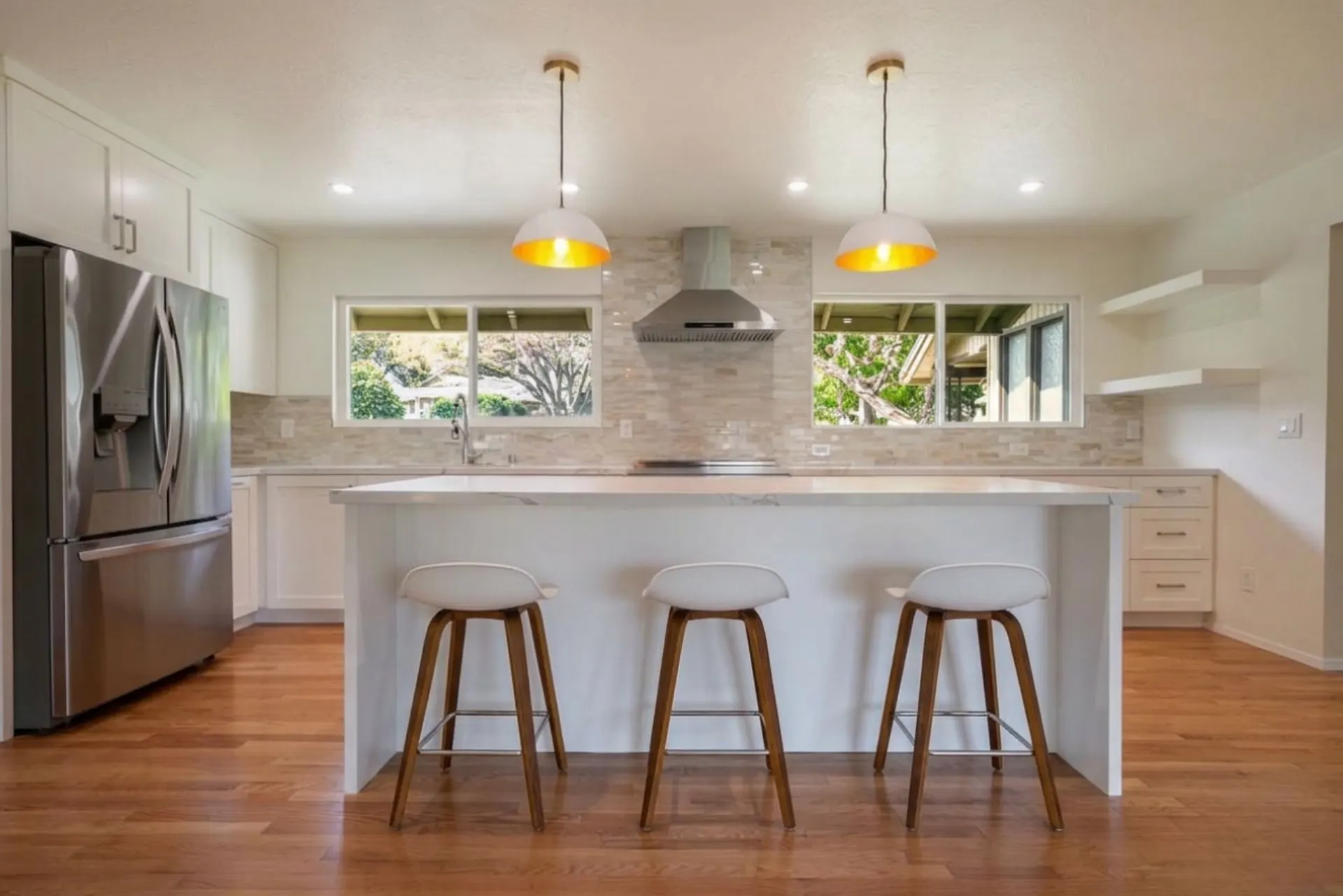
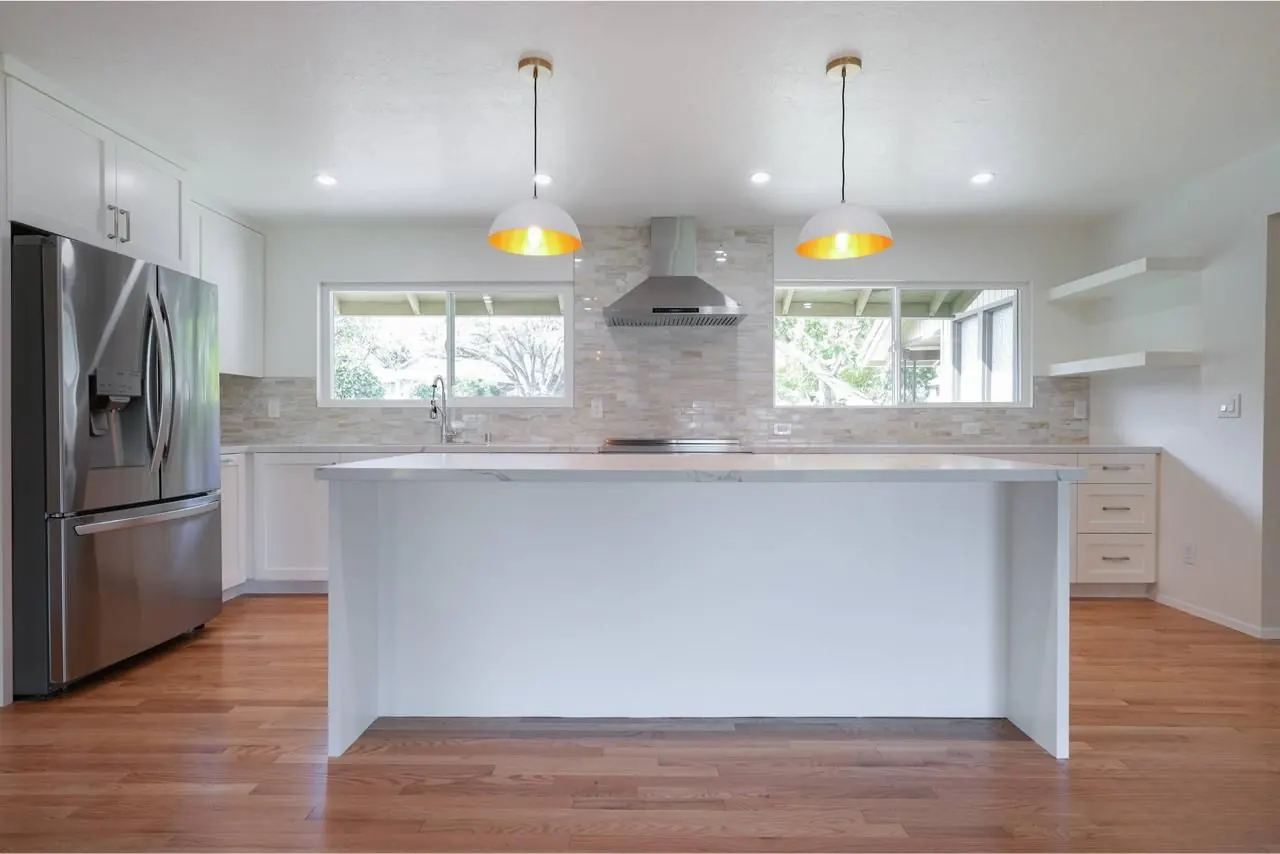
Open plan kitchen, mixed daylight and warm bulbs
Warm cast from the ceiling bulbs neutralized, window detail held instead of clipped, and the hardwood floor kept as wood rather than pushed orange.
Listing kitchen, brighter delivery
A slightly brighter listing treatment of the same room type. Shadows under the cabinets lifted, worktop and cabinetry brought back to true white.
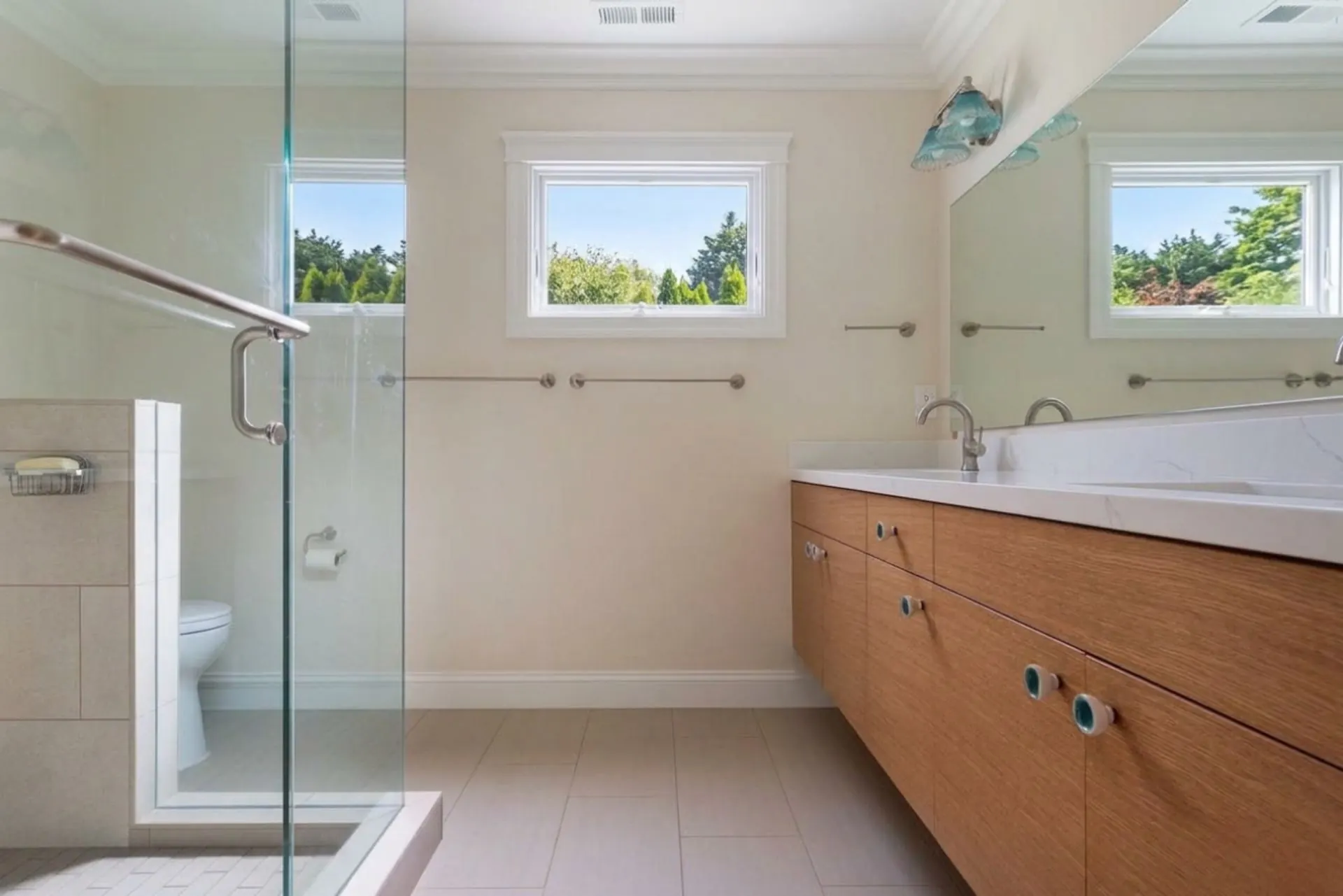
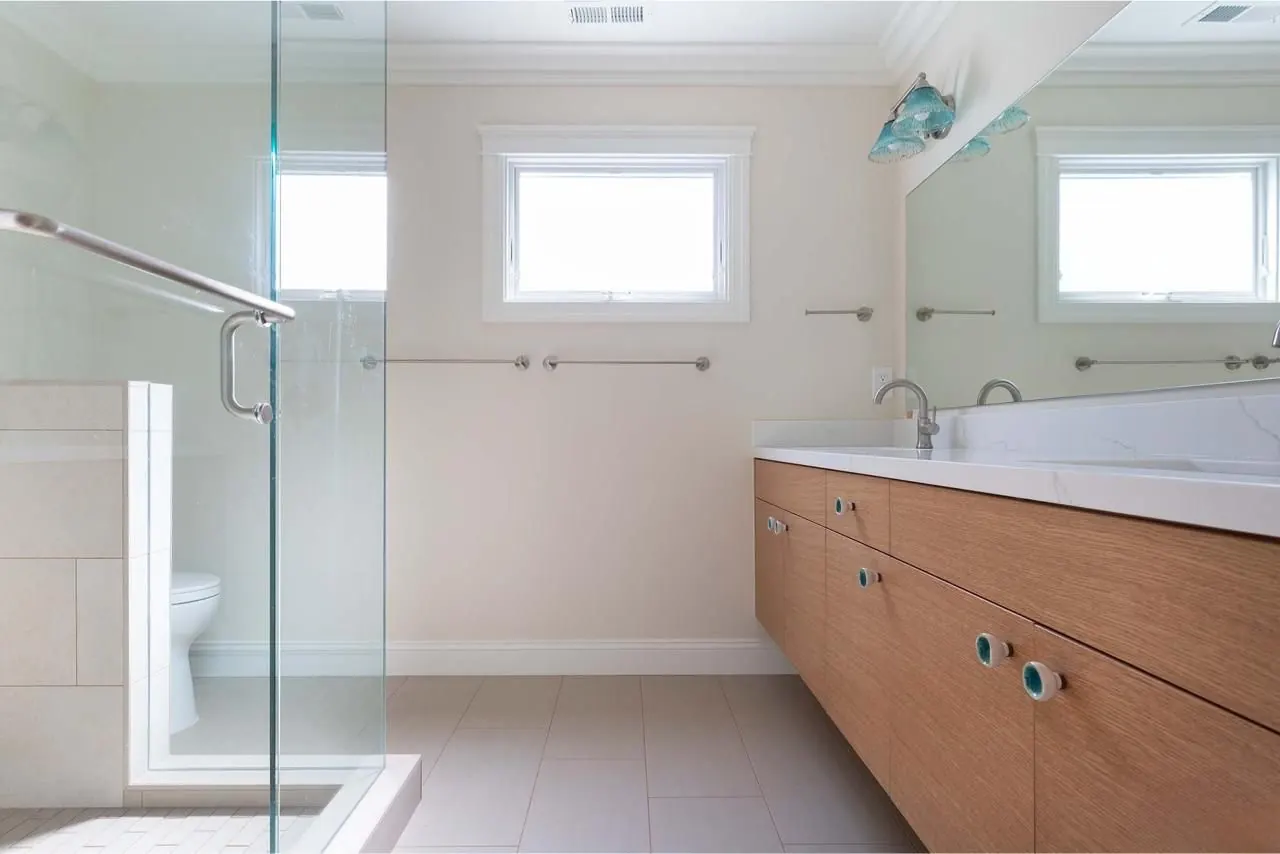
Bathroom with small high windows
Low contrast original with a flat grey wash. Graded for a clean white point on the tiles while keeping the timber vanity honest.
Architecture and interiors
Interior frames where the window view matters as much as the room, and material tone has to stay accurate.
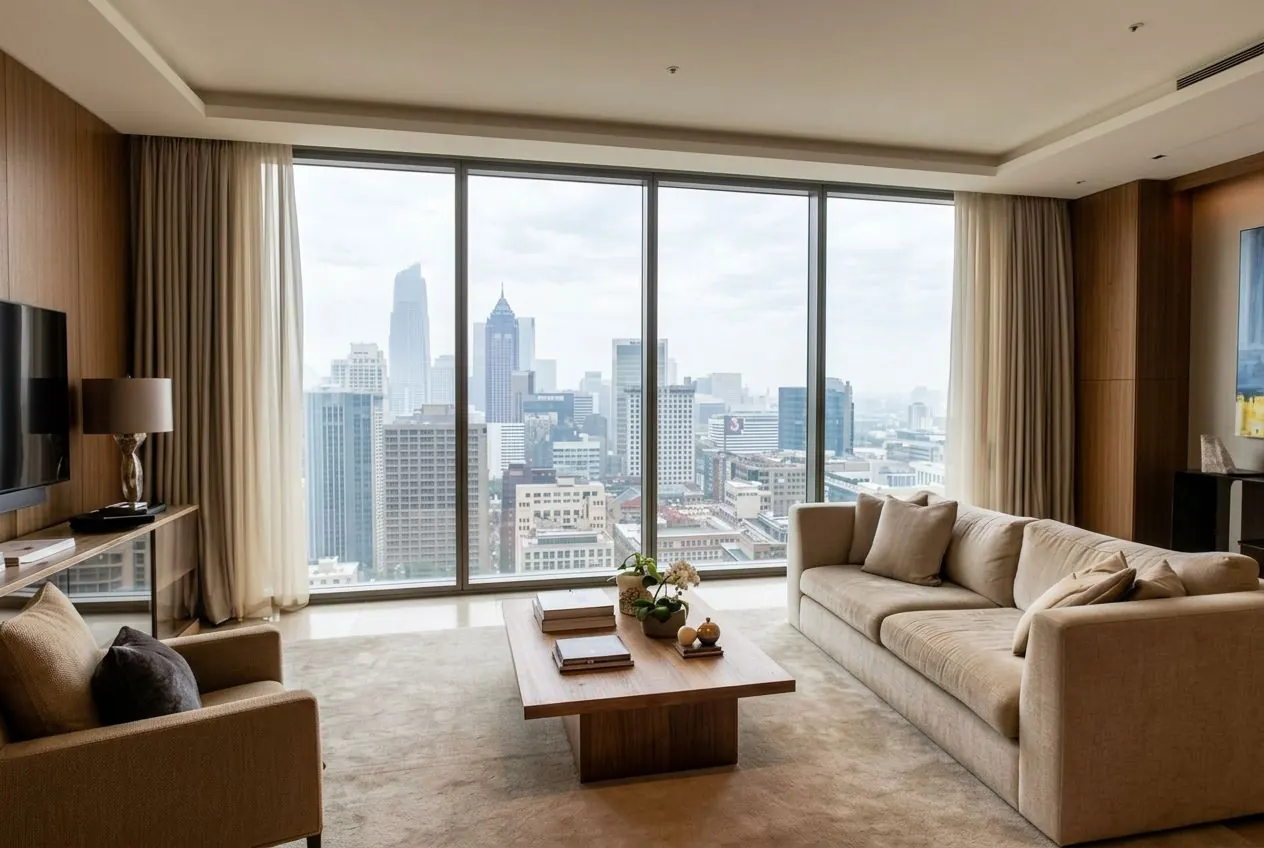
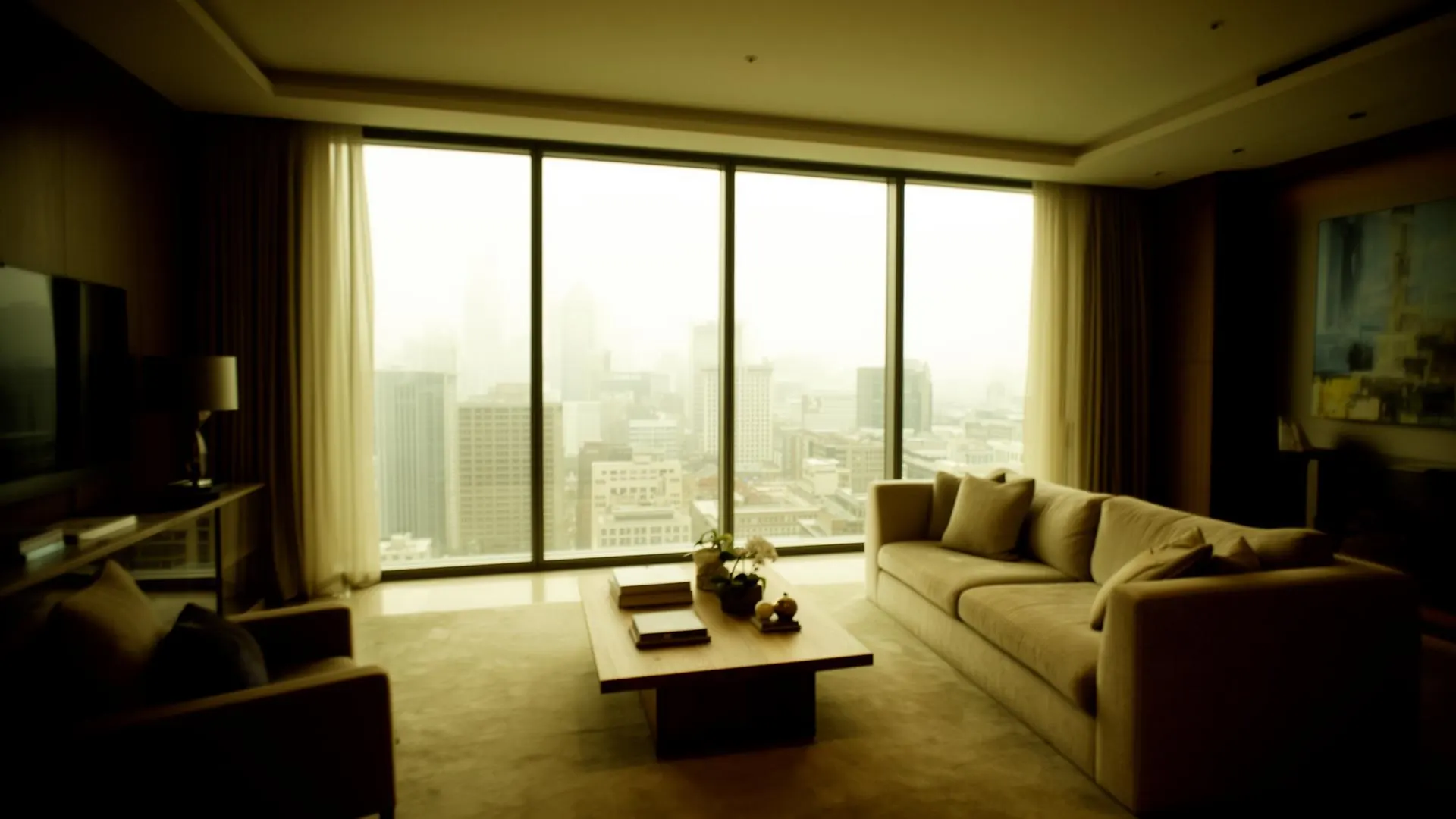
Living room, backlit by a full height window
Strongly underexposed interior against a bright city window. Shadows opened so the furniture and artwork read, with the window kept as a view rather than a white panel.
Portrait
Skin is excluded from global color moves, so tone and contrast can change without the face shifting hue.


Studio headshot, flat lighting
Exposure and contrast shaped around the subject with skin tone protected. Texture kept, no plastic smoothing.
Try it on a photo you already know
The fairest test of any grading tool is a file you have edited by hand. Upload one and compare the result against your own edit.
Try It on Your PhotoKeep reading
- How AI color grading works — the full guide to scene analysis, RAW files and batch consistency.
- Choosing an AI real estate photo editor — what the real estate workflow fixes, and what it will not attempt.
- AI color grading with ProGrade — modes, workflow and pricing.
- How AI real estate editing works — what a correction pass changes, and what it leaves alone.
- Portrait skin tone correction — how skin is protected from global grading.