
Brighten Dark Photos Online
Photos often come out too dark—especially indoors, in low light, or when the camera underexposes the scene. Important details disappear, faces look dim, and the whole image feels flat. If your photo also has a yellow or warm color cast, that makes it even harder to fix manually.
ProGrade AI fixes dark photos instantly. Upload your image and get a brighter, cleaner, more natural result in one click—no editing skills required. Want to go further? You can also make any photo look professional in seconds.
🚀 Upload a Dark Photo and Fix It InstantlyTurn Any Property Photo Into a Professional Listing in Seconds
Fix lighting, colors, shadows, and white balance automatically with AI. Perfect for real estate agents, Airbnb hosts, and property listings.
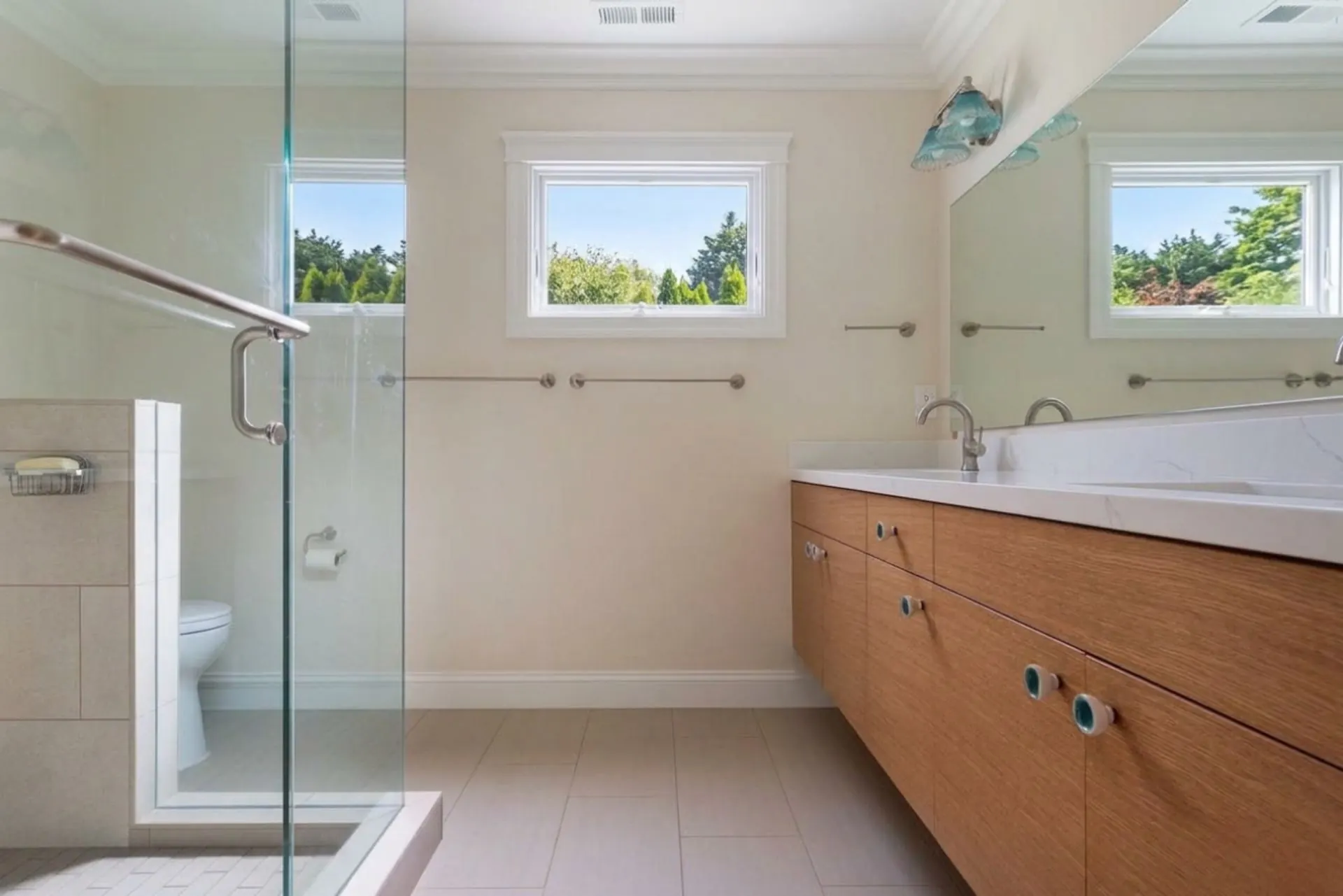
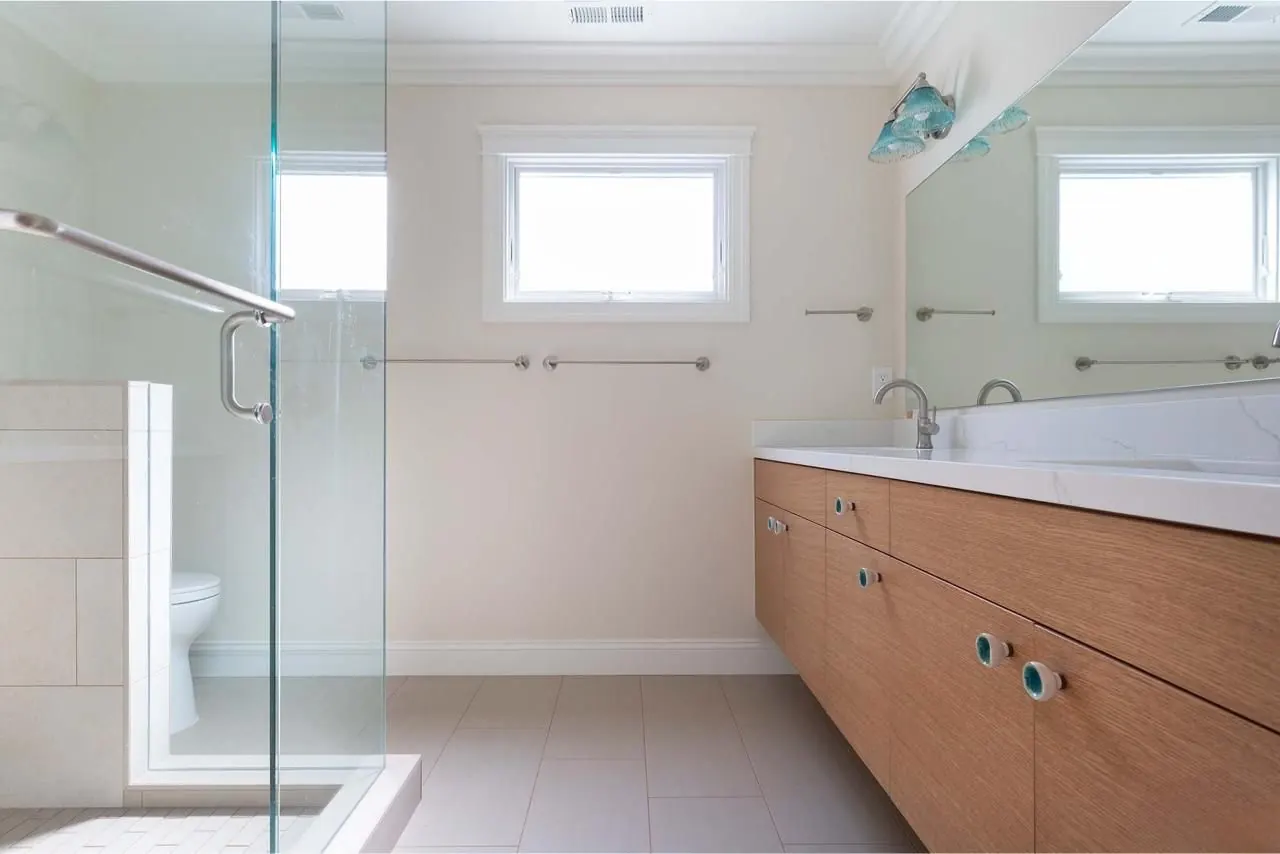
Real before/after from the exact same photo.
No objects changed — only lighting, color, and exposure were professionally enhanced.
See how ProGrade AI recovers window detail, corrects white balance, and balances the entire scene in seconds.
Get professional results in seconds — no signup required.
- Fix lighting & exposure automatically
- Enhance colors and details instantly
- Perfect for Zillow, Airbnb, and listings
No editing skills required • Instant results • Free to try
Fix Underexposed Photos
Underexposed photos lose important details in the shadows. ProGrade AI analyzes the entire image and lifts the exposure naturally—bringing back the scene as your eyes actually saw it, without washing out highlights.
Recover Lost Shadow Detail
Dark corners, hidden textures, and lost faces—shadow areas often hold the most important parts of a photo. ProGrade AI recovers shadow detail while keeping the image balanced and realistic.
Improve Lighting Naturally
Brightening a photo shouldn't make it look fake. ProGrade AI enhances lighting with a natural, true-to-life feel—no blown-out whites, no artificial glow. Just a cleaner, better-lit version of your original photo.
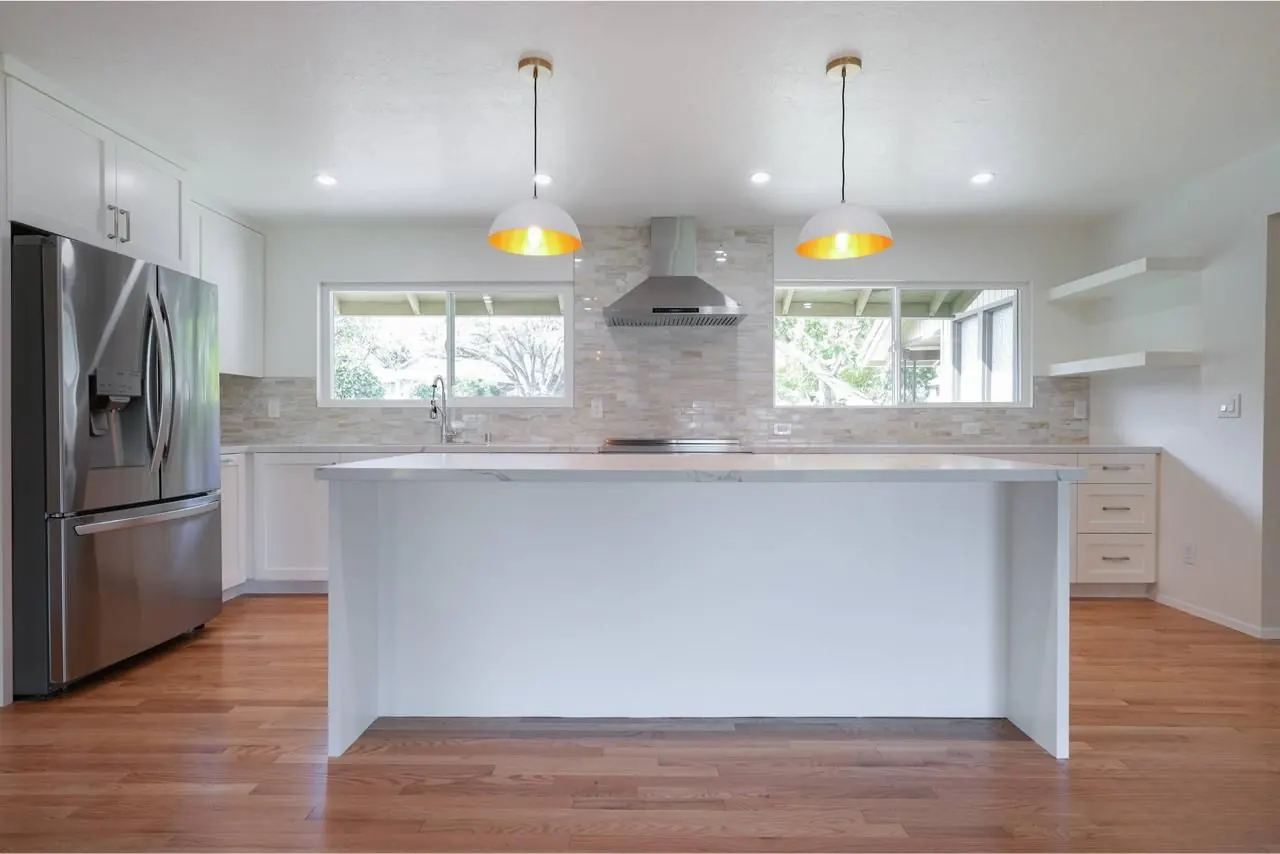 Before
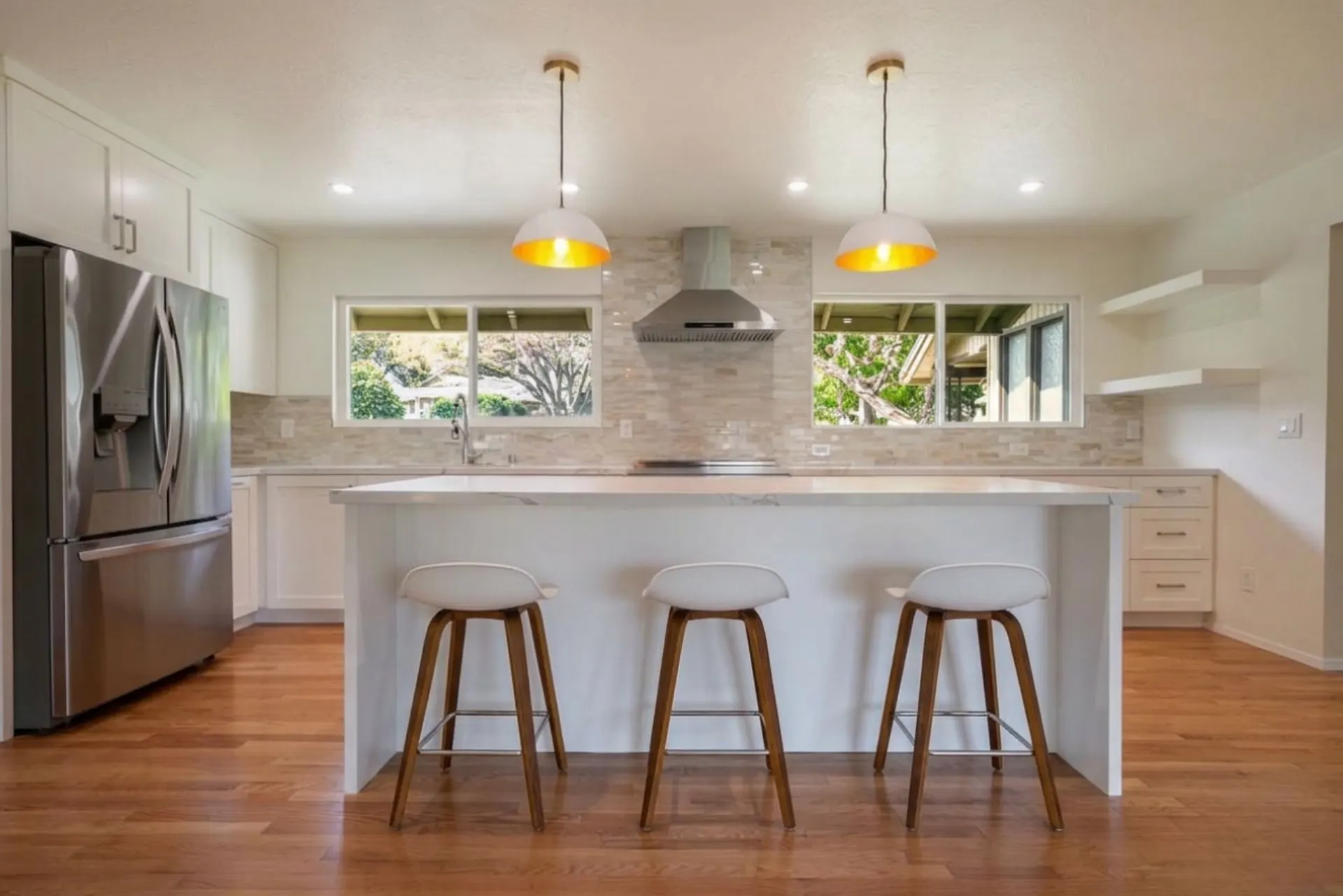 After
AfterSame photo — only lighting and exposure were corrected. No filters, no AI generation.
Why People Use ProGrade AI
- No editing skills needed
- Works in seconds
- Natural, realistic results
- Perfect for indoor and low-light photos
Frequently Asked Questions
How can I brighten a dark photo online?
Upload your image to ProGrade AI and it will instantly improve brightness, shadows, and lighting in one click — no software or editing skills needed.
Will brightening reduce image quality?
No. ProGrade AI improves lighting while keeping the photo natural, sharp, and clear. It won't add noise or make the image look washed out.
Can I fix dark photos taken on my phone?
Yes. It works with any photo — iPhone, Android, DSLR, or mirrorless. Just upload and fix instantly.
Is this better than adjusting brightness manually?
Yes. Manual brightness sliders affect the whole image equally, often washing out highlights. ProGrade AI lifts shadows selectively while keeping the rest balanced.
Does it work on indoor and low-light photos?
Absolutely. Indoor photos and low-light shots are the most common use case. The AI is specifically designed to handle these lighting conditions.
Stop losing photos to bad lighting. Fix them in one click.
🚀 Try ProGrade AI FreeRelated AI Tools
- →Before and After Gallery
- →How AI Color Grading Works
- →Fix Blurry Photos
- →Fix Underexposed Photos
- →Remove Yellow Tint
- →Correct White Balance with AI
- →Make Photo Professional
- →Improve Photo Quality
- →Best Lightroom Alternative
- →Best AI Photo Editor
- →How AI Real Estate Editing Works
- →Best AI Real Estate Photo Editor
- →Auto Enhance Listing Photos
- →Interior and Architectural Photo Editing
- →Restore Old Photos with AI
- →Fix Low Light Photos with AI
- →Improve Real Estate Photos
- →AI Headshot Photo Editor
- →Portrait Skin Tone Color Correction
- →Wedding Photo Color Grading
- →Batch Photo Color Correction
- →Ecommerce Product Photo Color Accuracy
- →Fix Grainy Photos with AI
- →AI Photo Editor for Social Media
- →Food Photography Editing AI
- →One-Click Photo Enhancer
- →Photo Editor Without a Subscription
- →Photo Editor vs Adobe Subscription
- →Airbnb Photo Editing AI
- →Enhance Photos Instantly
- →AI Photo Color Correction Tool
- →Fix Phone Camera Photos with AI
- →Auto Enhance Listing Photos
- →AI Photo Editor for Small Business
- →What Is ProGrade AI
- →3D Rendering with Custom Materials
- →Turn Floor Plan into 3D Image