
AI bathroom rendering
AI Bathroom Rendering
Tile choices are hard to picture from a sample board. Render the room first and let the client see the whole wall.

A three inch tile sample tells a homeowner almost nothing about how a full shower wall will read. Scale changes everything: grout lines multiply, veining repeats, and a color that looked warm on the board turns gray under recessed lighting.
Rendering the bathroom before demo starts removes most of that risk. ProGradeAI builds the room from your plan and applies the exact tile, vanity, counter, and fixture finishes you specify.
Floor plan to finished render
The fixture layout and the shower footprint match the drawing exactly. Only the materials and lighting are generated.
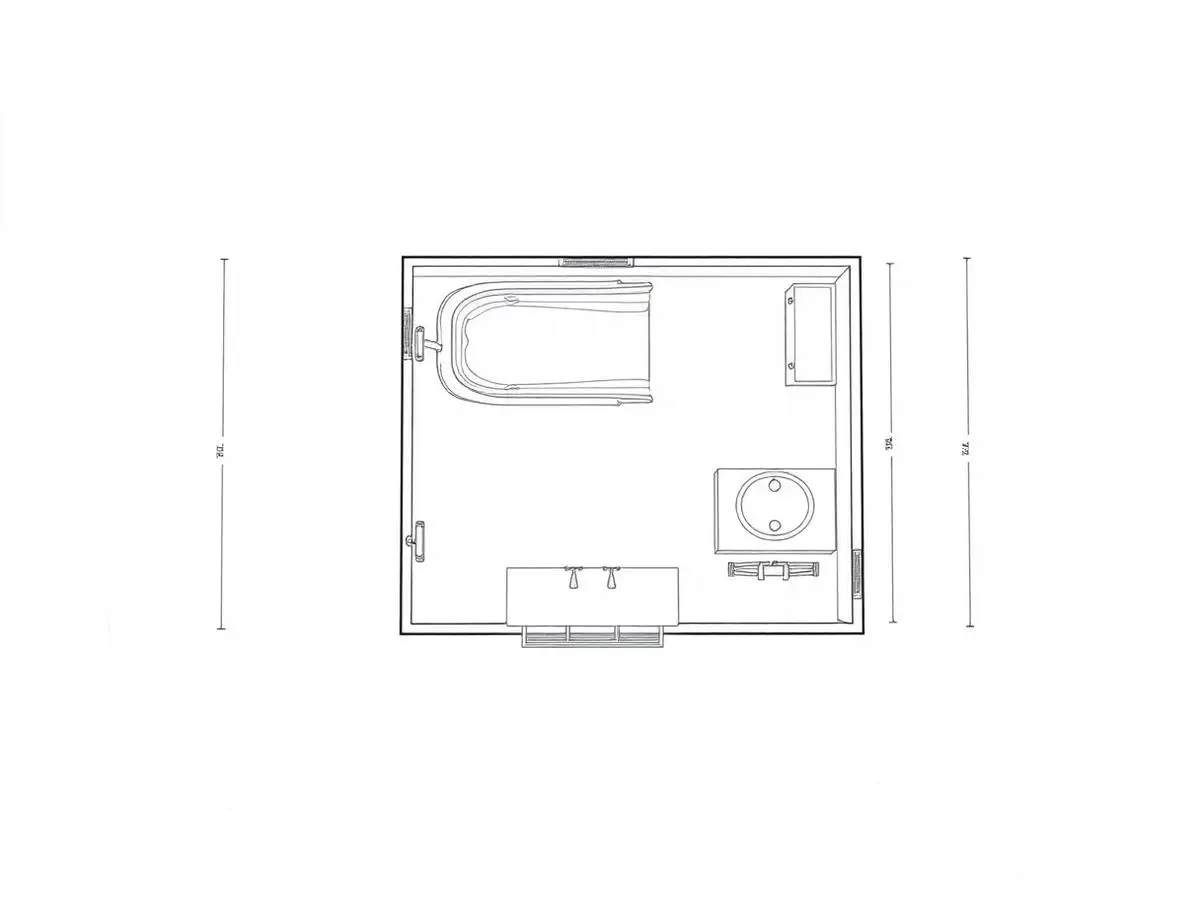
Start with your own plan
Upload a drawing and see the first render before you read the rest of this page.
What you get with AI bathroom rendering
Tile at real scale
See a 12x24 laid horizontally against the same tile stacked vertically before anyone orders a pallet.
Fewer change orders
Most bathroom change orders trace back to a finish the client did not picture correctly.
Glass and chrome look right
Reflections, water spotting, and metal warmth are handled per material, not faked with a filter.
Small rooms render fast
Bathrooms are compact scenes, so turnaround is usually the quickest of any room type.
How it works
- 1
Upload the bathroom plan
Include the shower, tub, vanity, and toilet positions.
- 2
Specify finishes
Floor tile, wall tile, vanity color, counter, fixture metal, and shower glass style.
- 3
Generate the render
The plan geometry is preserved while surfaces and lighting are built.
- 4
Present it
Send the file to the client or drop it into a selections document.
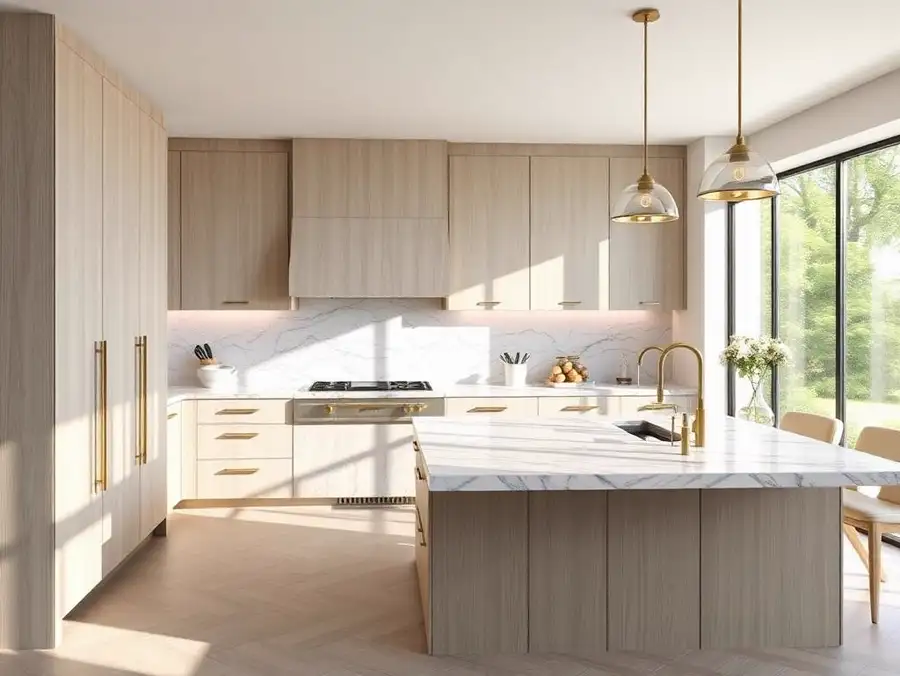
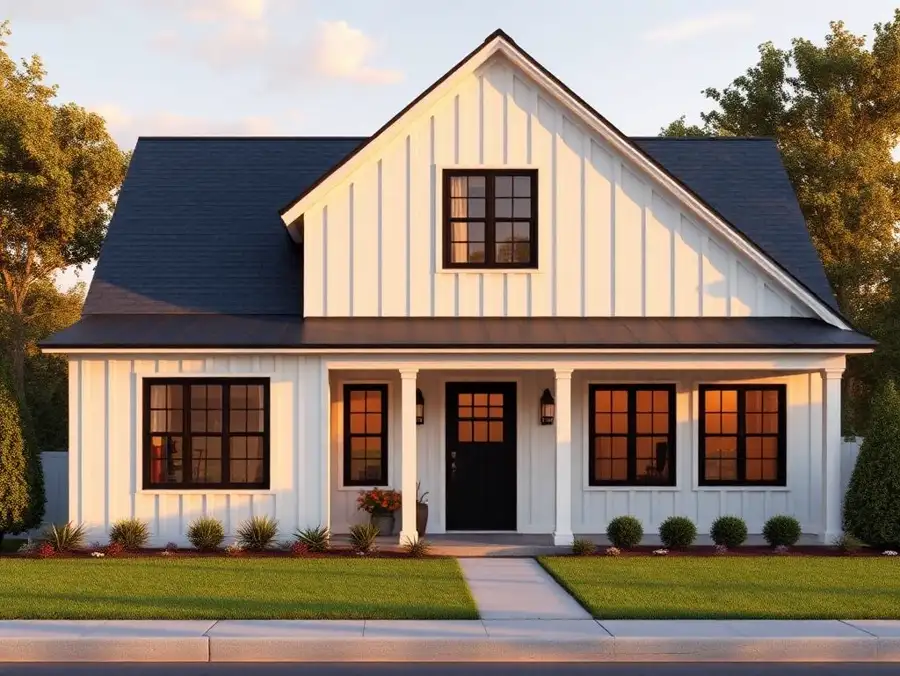
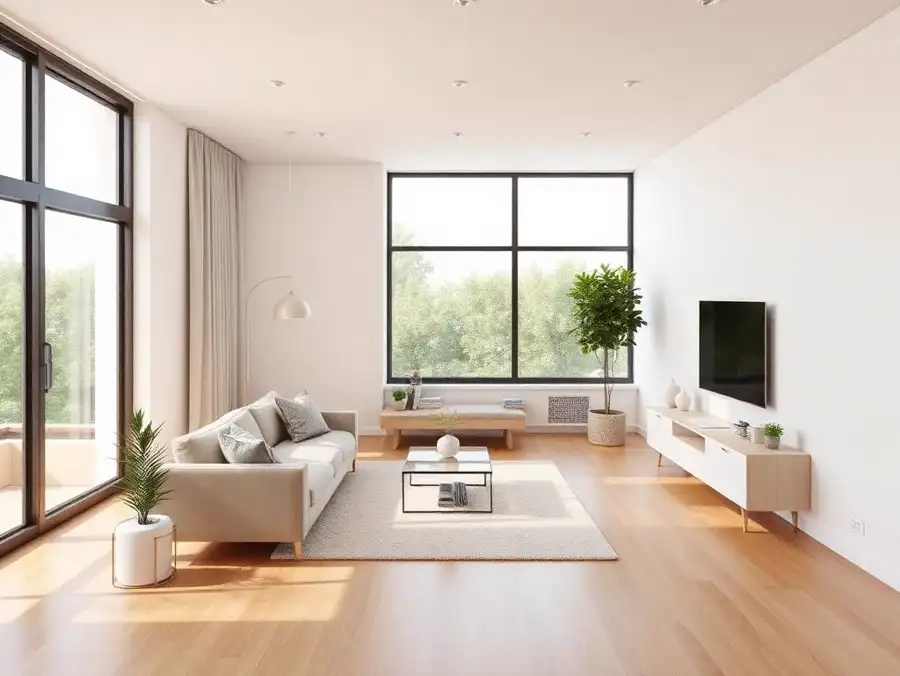
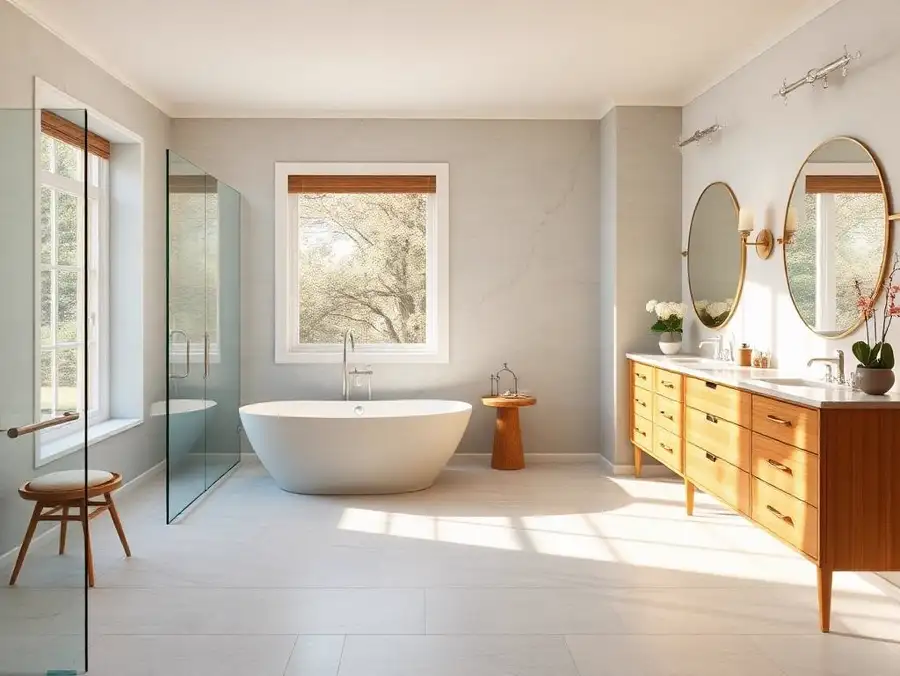
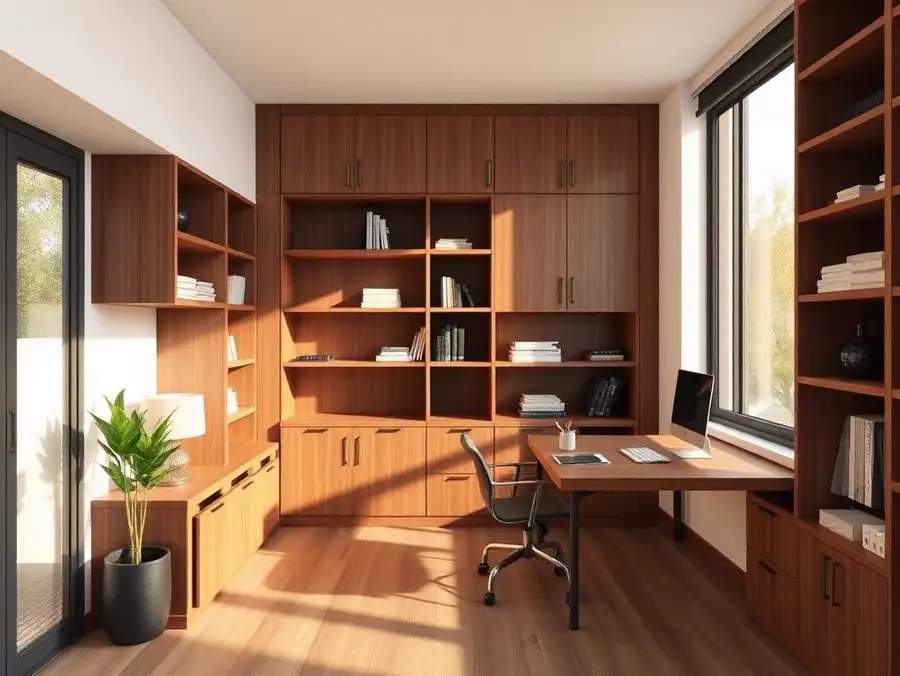
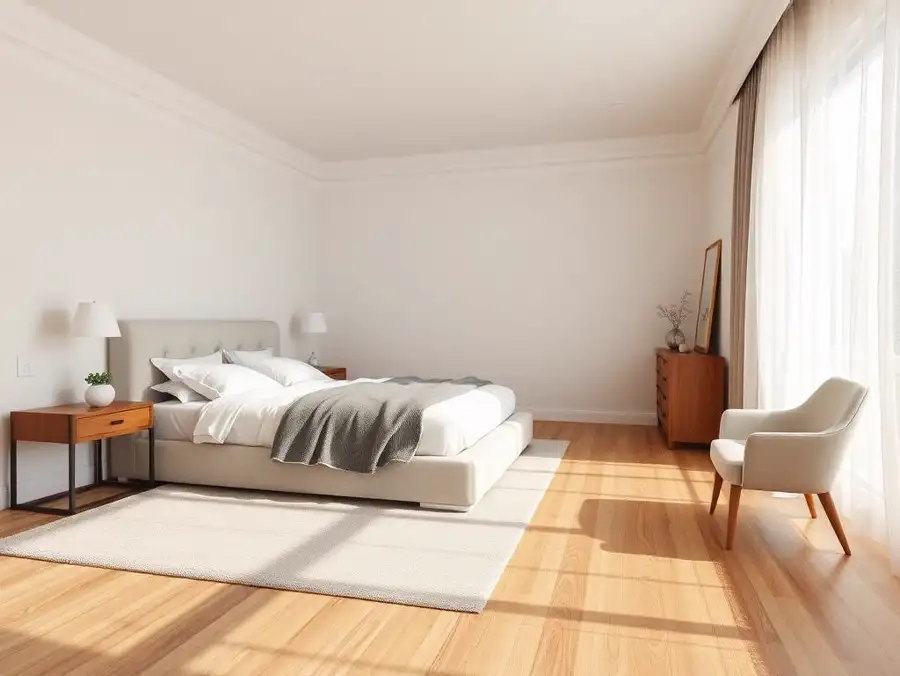
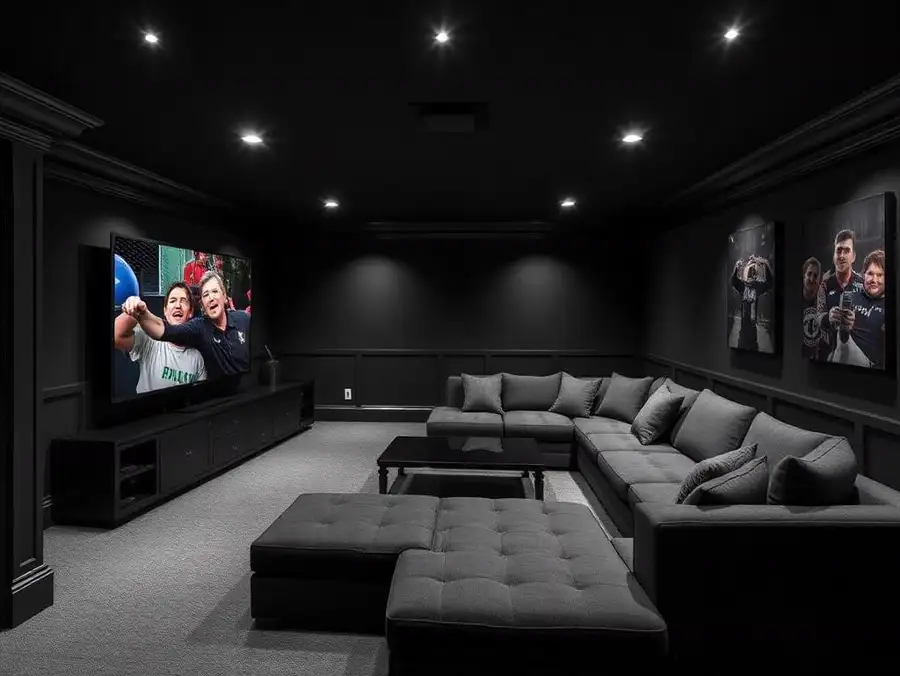
Example renders
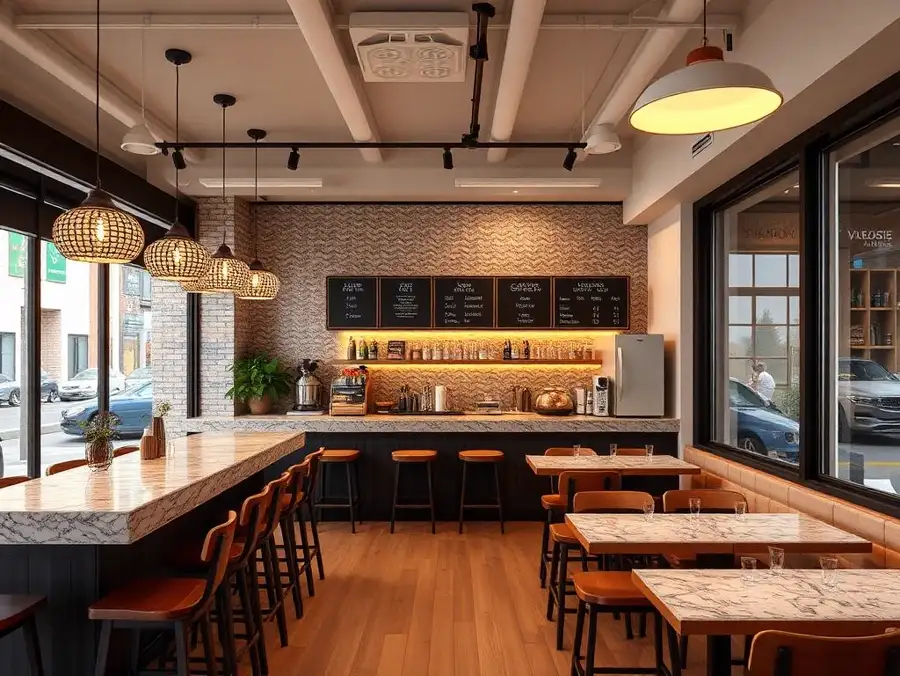
A sample of the project types this tool is used for.
Who uses it
Why professionals choose ProGradeAI
Built for builders, architects, designers, and real estate teams who ship work on deadlines.
Photorealistic quality
Renders that read like photography, with believable depth, reflections, and shadow falloff.
Material-accurate rendering
Marble, quartz, hardwood, tile, brick, and steel behave like the real surface under real light.
Fast turnaround
Minutes instead of the three to ten days a traditional rendering studio quotes per image.
AI-powered workflow
Upload a plan, answer a few material questions, download. No CAD, no modeling, no render farm.
Commercial use
Use your renders in listings, decks, brochures, investor packages, and paid advertising.
High-resolution exports
Full-resolution files suited to print, presentations, and large-format marketing.
Frequently asked questions
Can it show a specific tile pattern?
Yes. Herringbone, stacked, running bond, and basketweave layouts can be requested during the material step, along with grout color.
Does it handle wet rooms and curbless showers?
It does, as long as those elements are drawn on the plan you upload.
Can I render a bathroom I only have photos of?
Yes. The photo editing side of ProGradeAI handles existing rooms, and the render tool handles planned ones.
How many revisions can I run?
Each generated image counts against your plan or render pack. There is no per-revision fee beyond that.
Is the output print quality?
Exports are high resolution and hold up in printed selection packets and showroom boards.
Related services
AI Exterior House Rendering
Show the finished elevation with the actual siding color, stone veneer, and roof before the first truss goes up.
AI Interior Rendering
Living rooms, bedrooms, offices, and open plans rendered with the finishes you actually specified.
AI Commercial Building Rendering
Office, retail, and mixed use visuals for pitch decks, entitlement meetings, and leasing packages.
AI Architectural Visualization
Presentation imagery from drawings, without a modeling seat, a render farm, or a two week studio queue.
AI Real Estate Renderings
Give a plan-only listing the visuals it needs to compete with finished homes on the same search page.
Related articles
How to Create Photorealistic 3D Renderings of Your Home or Apartment (Without Hiring a 3D Artist)
Turn any floor plan into a photorealistic 3D rendering with real materials, lighting, and finishes. Available exclusively to ProGrade Max subscribers.
How AI 3D Rendering Is Transforming Home Remodeling in San Diego
Discover how AI 3D rendering is changing home remodeling in San Diego. Visualize bathrooms, kitchens, ADUs, and interiors using realistic AI-generated renders with custom materials before construction begins.
Upload Your Floor Plan Today
Turn a drawing into a photorealistic render with accurate materials in a few minutes.