
AI real estate renderings
AI Real Estate Renderings
Give a plan-only listing the visuals it needs to compete with finished homes on the same search page.
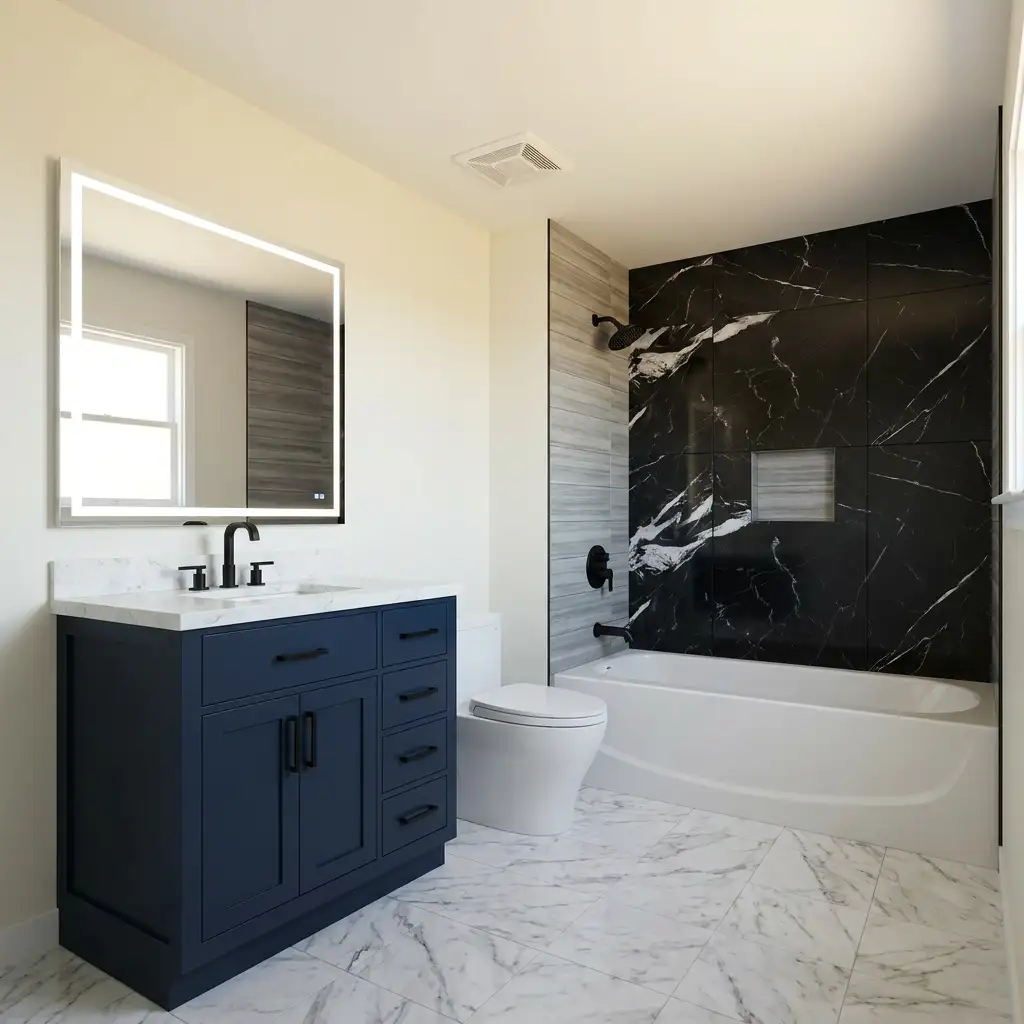
Pre construction and vacant listings compete against move in ready homes in the same search results. A grid of empty rooms or a single line drawing loses that comparison every time.
Renders fix the imbalance. A buyer scrolling a portal does not stop to interpret a plan, but they will stop for a kitchen that looks like a place they could cook in.
Floor plan to finished render
The marketed floor plan on the left, the render buyers actually respond to on the right.
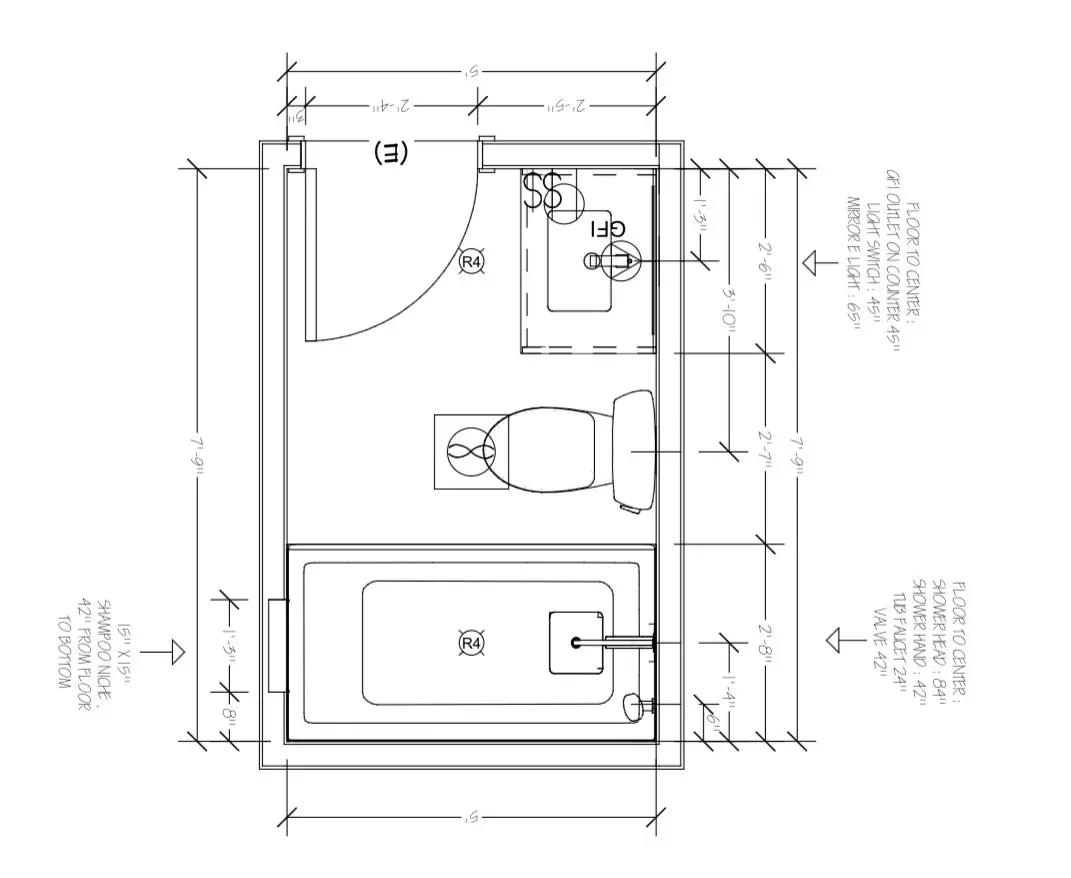
Start with your own plan
Upload a drawing and see the first render before you read the rest of this page.
What you get with AI real estate renderings
Plan-only listings get photos
Presale units can market with imagery months before framing.
Vacant rooms get context
Buyers judge scale badly in empty rooms. A furnished render solves it.
Consistent across a unit mix
Render every floor plan in a building with the same palette and light.
No subscription needed
One-time render packs suit agents who need a handful of images per listing.
How it works
- 1
Upload the marketing floor plan
The same plan you already publish on the listing.
- 2
Pick the finish level
Builder standard, upgraded, or a specific palette from the spec sheet.
- 3
Generate the set
Kitchen, living, primary bedroom, and bath in one pass.
- 4
Publish
Add the renders to the MLS gallery, the brochure, and the social posts.
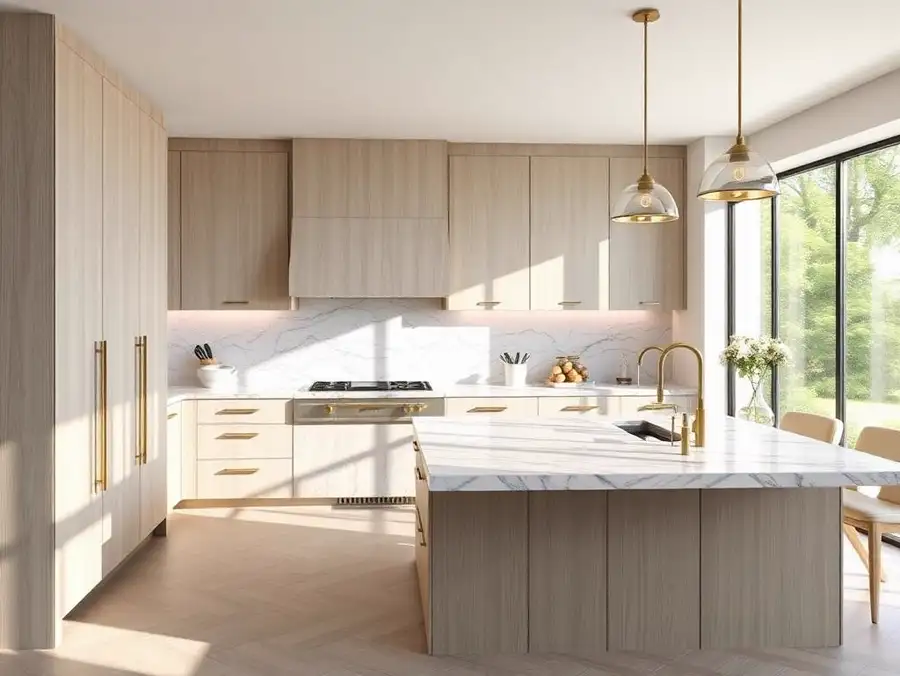
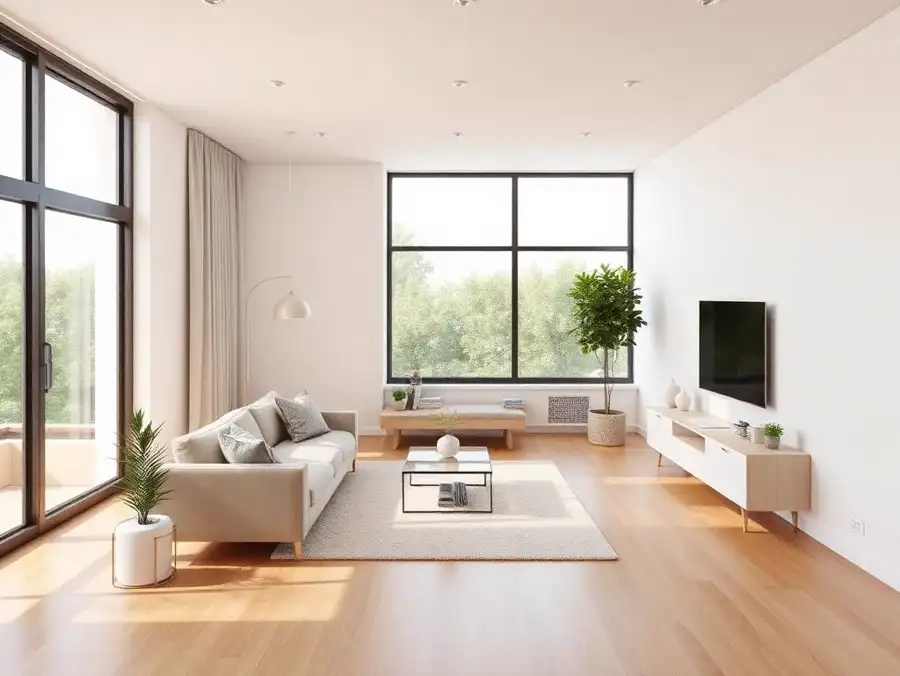
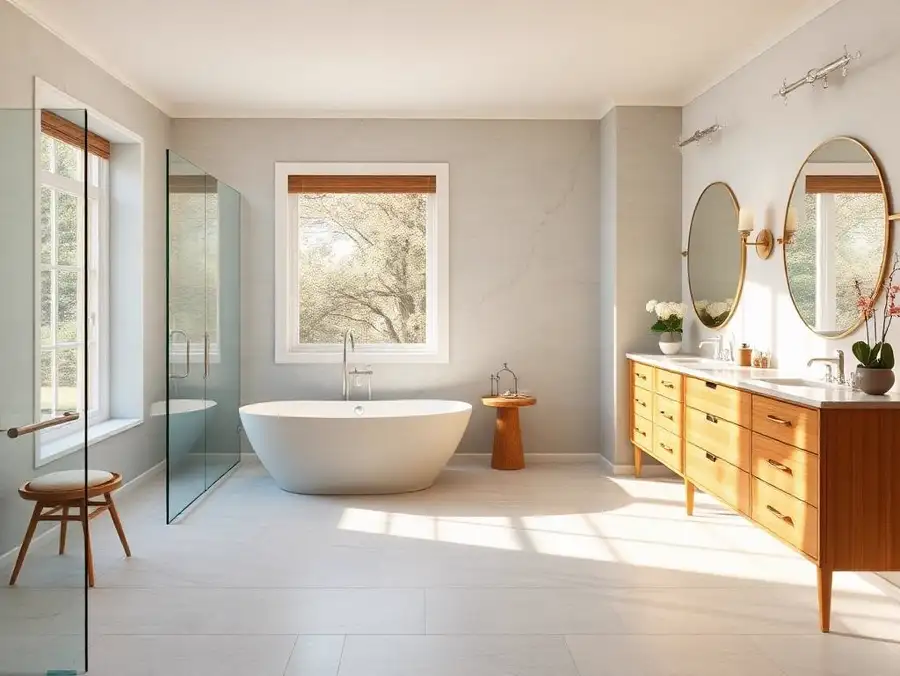
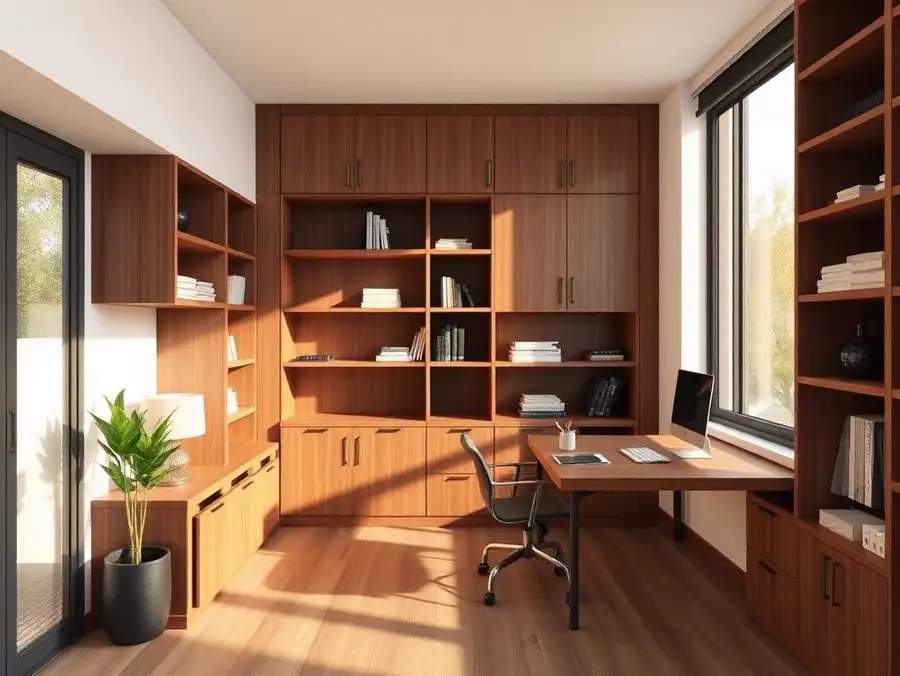
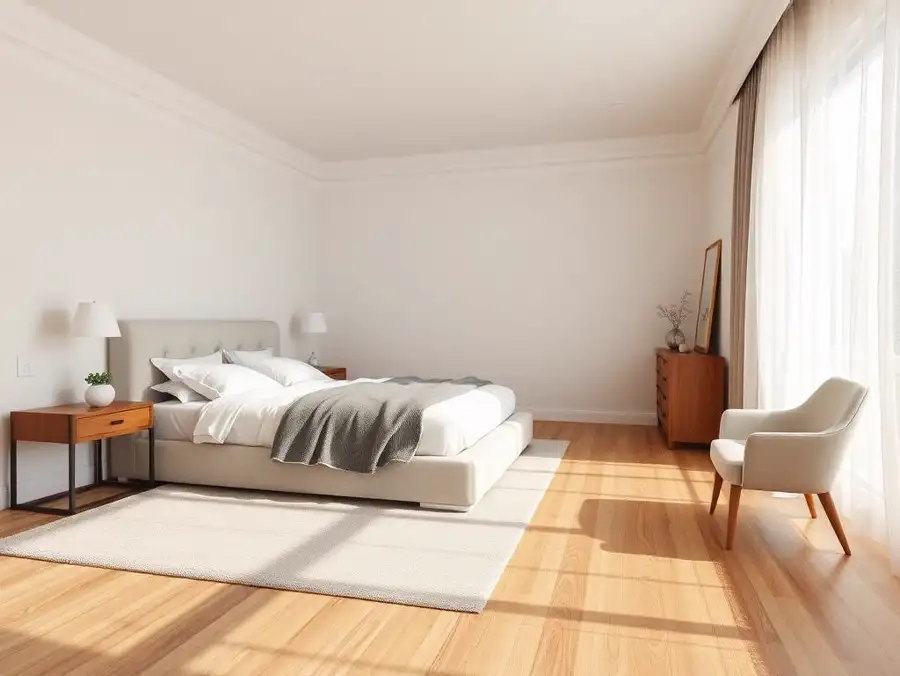
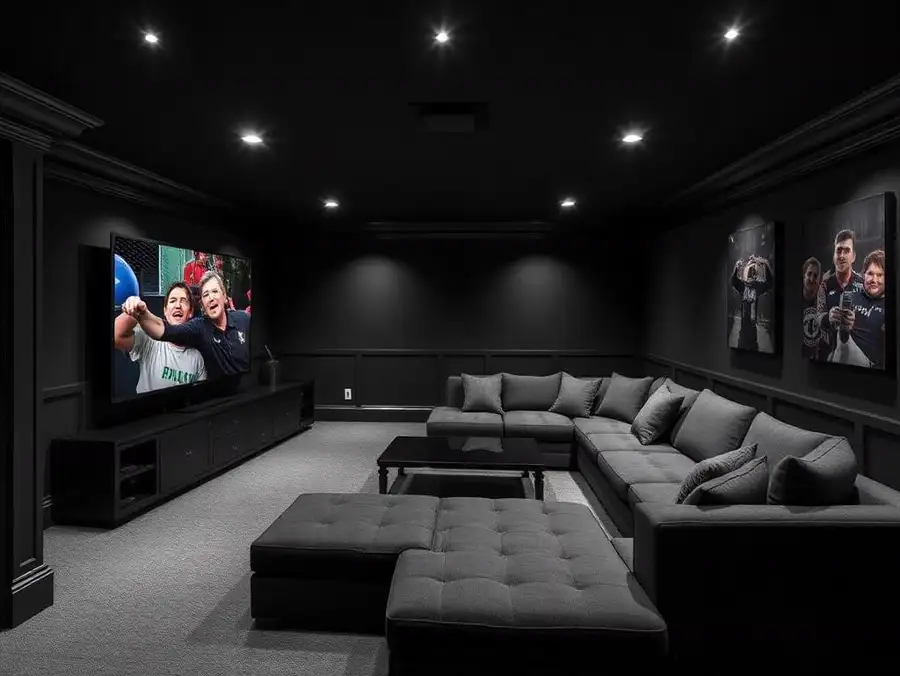
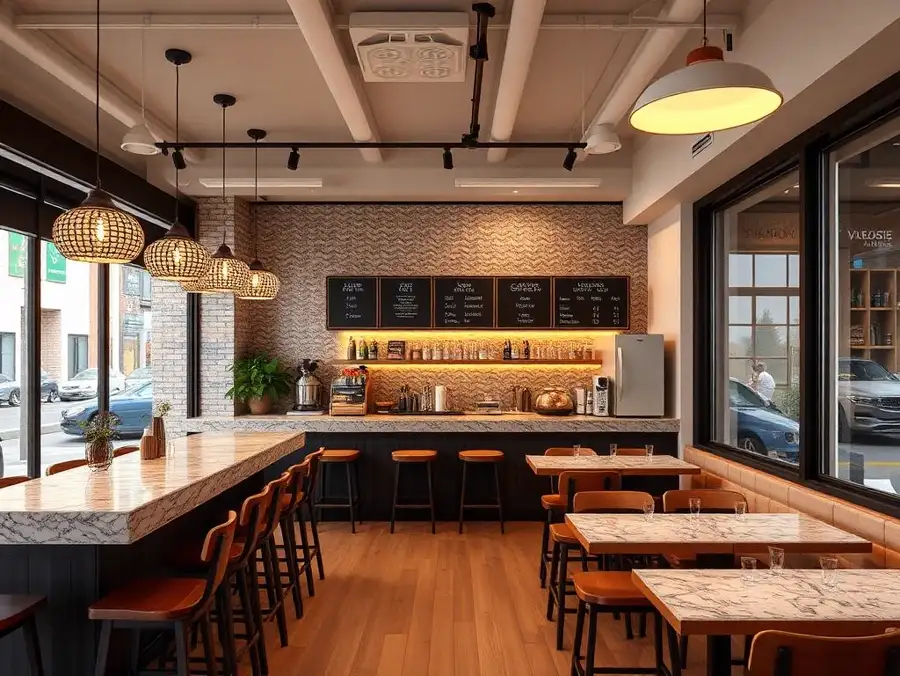
Example renders
A sample of the project types this tool is used for.

Who uses it
Why professionals choose ProGradeAI
Built for builders, architects, designers, and real estate teams who ship work on deadlines.
Photorealistic quality
Renders that read like photography, with believable depth, reflections, and shadow falloff.
Material-accurate rendering
Marble, quartz, hardwood, tile, brick, and steel behave like the real surface under real light.
Fast turnaround
Minutes instead of the three to ten days a traditional rendering studio quotes per image.
AI-powered workflow
Upload a plan, answer a few material questions, download. No CAD, no modeling, no render farm.
Commercial use
Use your renders in listings, decks, brochures, investor packages, and paid advertising.
High-resolution exports
Full-resolution files suited to print, presentations, and large-format marketing.
Frequently asked questions
Do MLS rules allow renderings?
Most do, provided the image is clearly labeled as a rendering or artist concept. Check your local board's rules before publishing.
How is this different from virtual staging?
Virtual staging adds furniture to a photo of a real room. Rendering builds the room itself from a plan, which is what presale listings need.
Can I render every unit type in a building?
Yes. Run each plan through with the same material description to keep the set consistent.
What resolution do I get?
High-resolution exports suitable for MLS uploads, print brochures, and large-format signage.
Can I also fix my listing photos here?
Yes. The photo editing tools handle exposure, white balance, and window recovery on real estate photography.
Related services
AI Construction Renderings
Contractors who show a render with the bid close more work than contractors who show a number.
AI Kitchen Rendering
Upload the plan, pick the cabinet finish and the countertop slab, and get a photorealistic kitchen back in minutes.
AI Bathroom Rendering
Tile choices are hard to picture from a sample board. Render the room first and let the client see the whole wall.
AI Exterior House Rendering
Show the finished elevation with the actual siding color, stone veneer, and roof before the first truss goes up.
AI Interior Rendering
Living rooms, bedrooms, offices, and open plans rendered with the finishes you actually specified.
Related articles
AI Photo Editing for Airbnb Hosts: Get More Bookings in 2026
Airbnb listings live or die on the first photo. Learn how AI photo editing helps hosts brighten dark rooms, fix yellow tints, and create scroll-stopping cover shots that convert browsers into bookings.
The Best AI Tools for Real Estate Photographers in 2026
A practical guide to the AI tools real estate photographers actually use in 2026. Color grading, batch editing, sky replacement, 3D floor plans, and the workflows that save hours per shoot.
Upload Your Floor Plan Today
Turn a drawing into a photorealistic render with accurate materials in a few minutes.