
AI exterior house rendering
AI Exterior House Rendering
Show the finished elevation with the actual siding color, stone veneer, and roof before the first truss goes up.
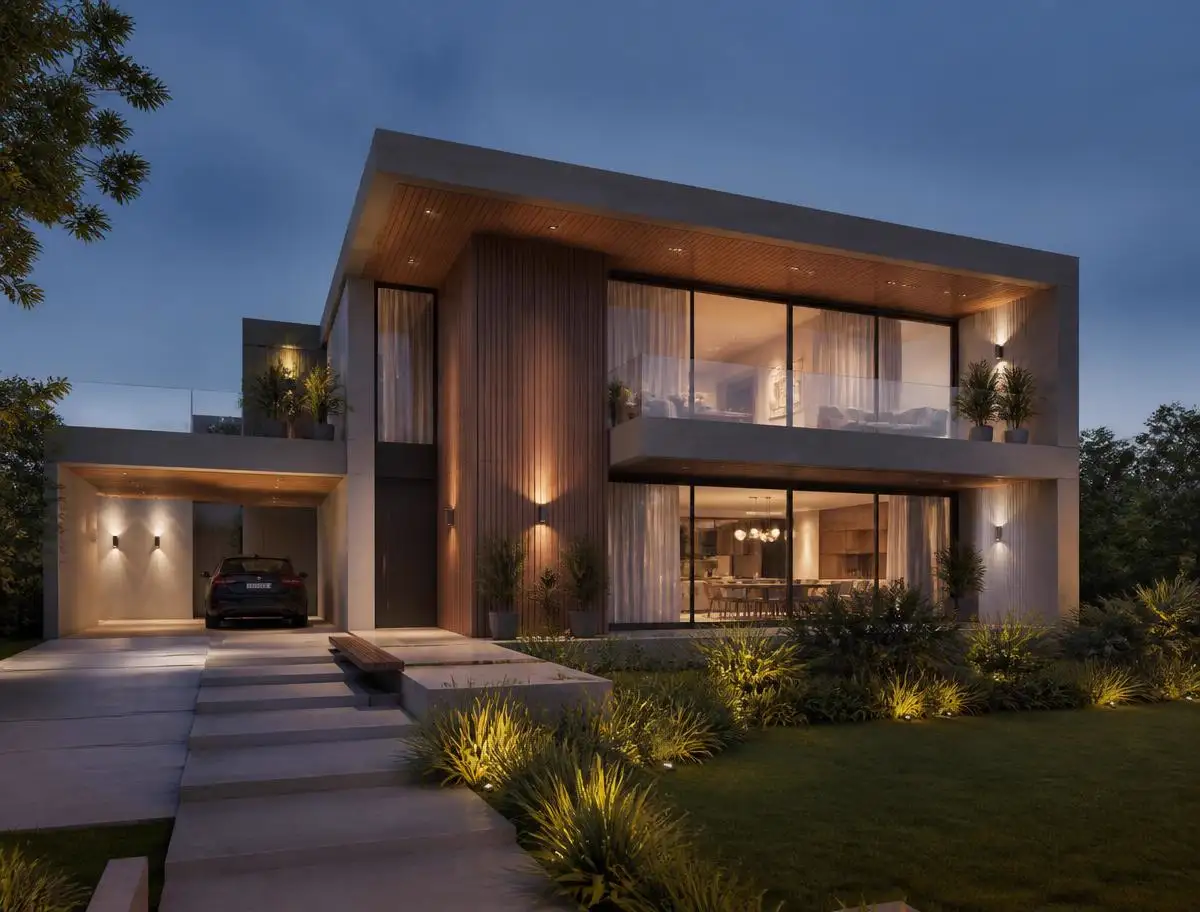
Buyers make a decision about a house in the first few seconds of looking at the exterior. Builders know it, which is why the model home gets the best landscaping on the street.
An exterior render gives every lot that advantage before it is built. Upload the elevation, name the materials, and get an image that shows the house in real daylight with real shadows.
Floor plan to finished render
Roof pitch, window openings, and porch depth follow the elevation drawing.
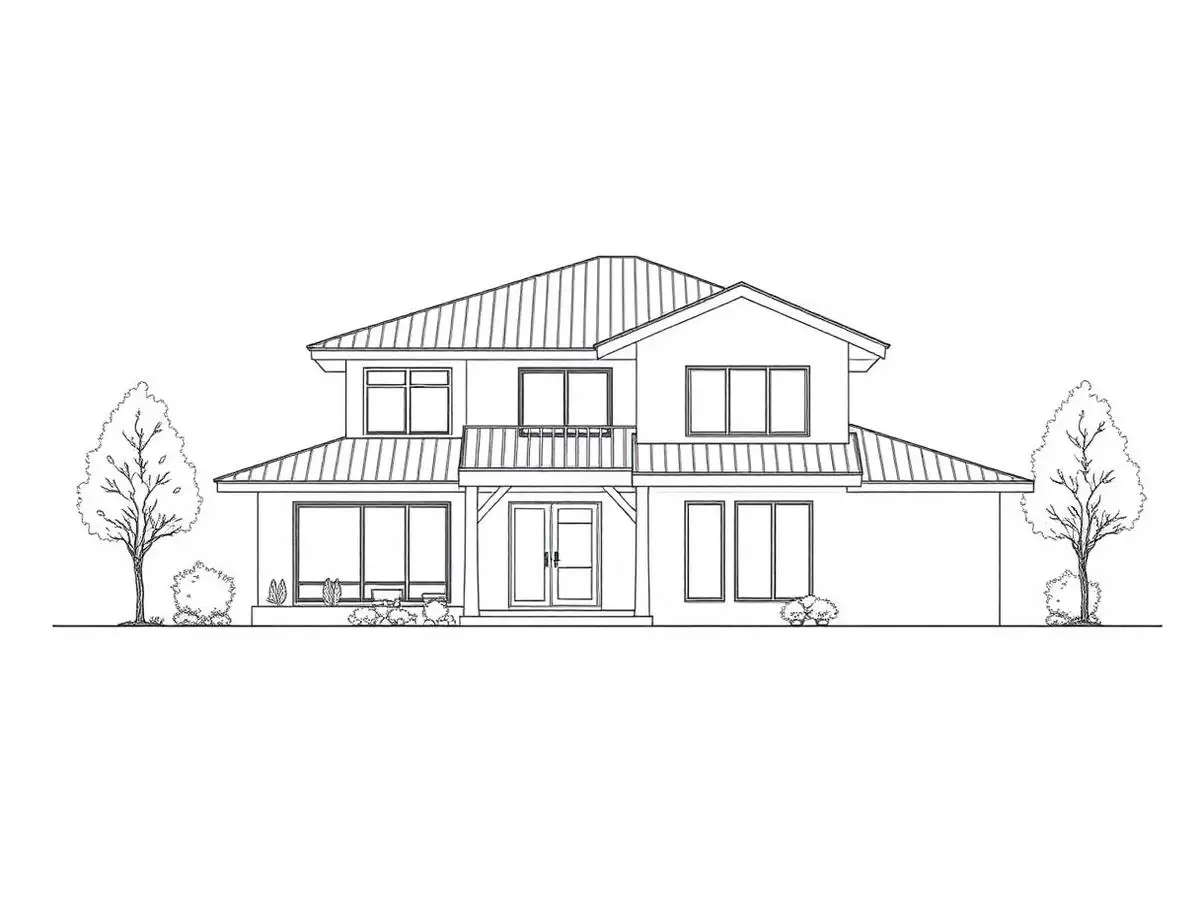
Start with your own plan
Upload a drawing and see the first render before you read the rest of this page.
What you get with AI exterior house rendering
Material combinations tested cheaply
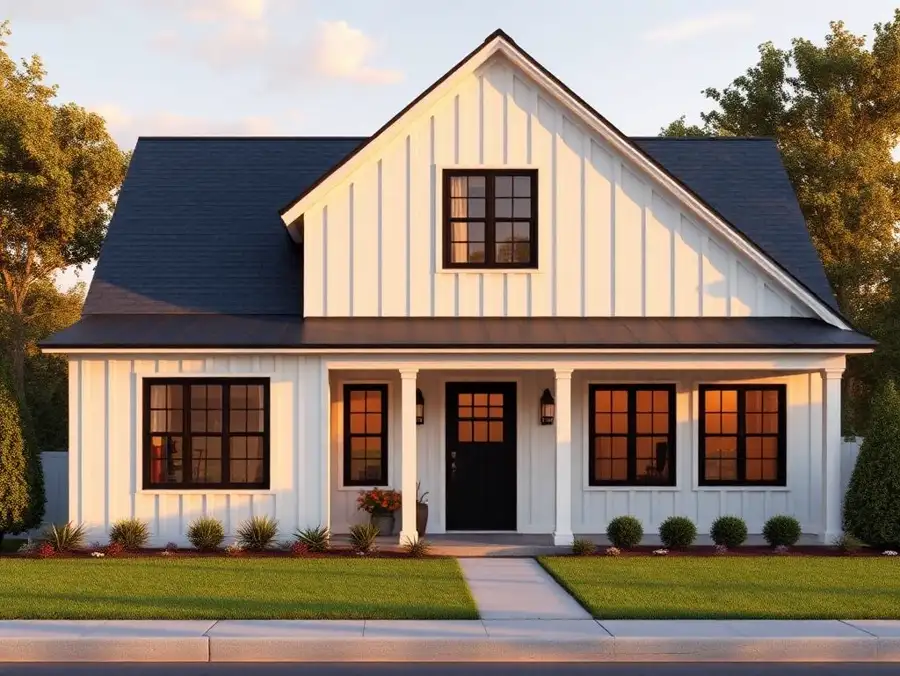
Compare board and batten against lap siding without ordering samples.
Presales get easier
A photorealistic elevation does more for a presale than a line drawing ever will.
Correct roof geometry
Pitch, overhang, and gable placement come from the drawing, not from a template house.
Daylight that matches the site
Morning, midday, and dusk lighting all read differently and are worth testing.
How it works
- 1
Upload the elevation or plan
Front, rear, or side elevations all work.
- 2
Name the exterior materials
Siding type and color, trim, stone or brick, roofing, garage door, and window frames.
- 3
Render
The AI builds lighting, landscaping, and surfaces around your geometry.
- 4
Use it
Drop it into a presale flyer, a permit presentation, or a lot sign.
Example renders
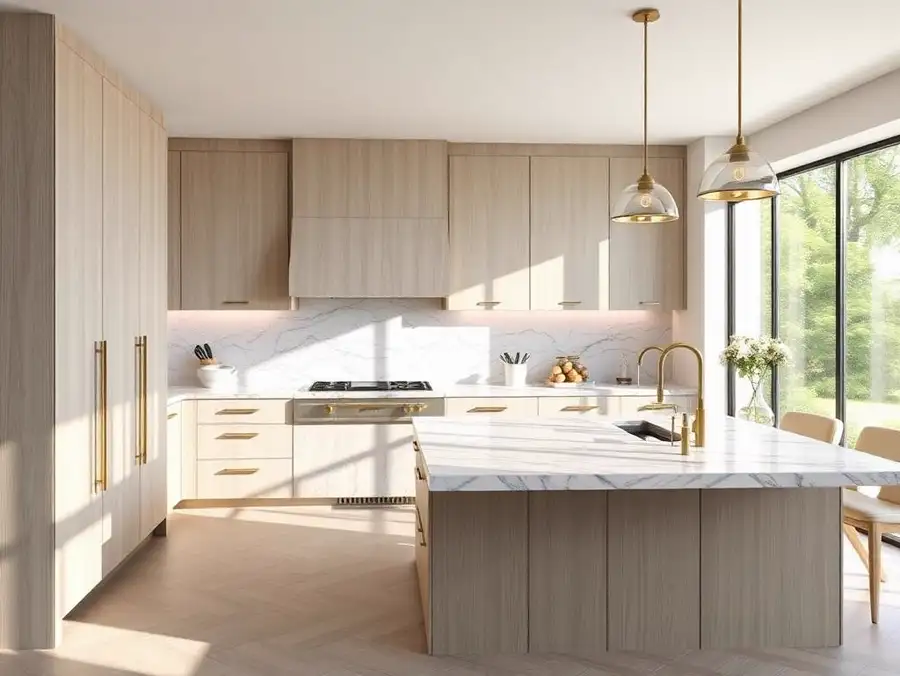
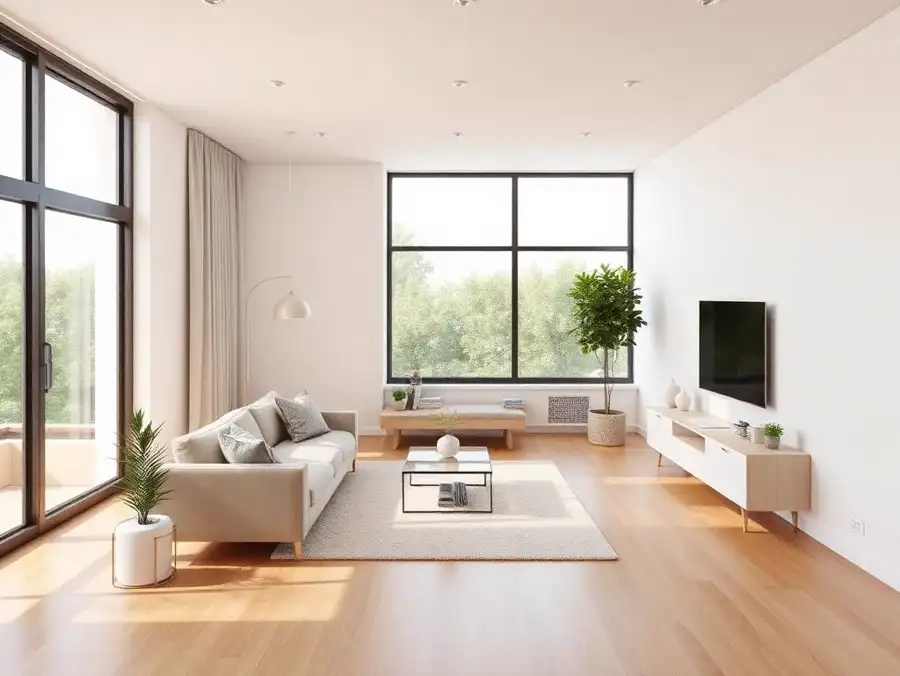
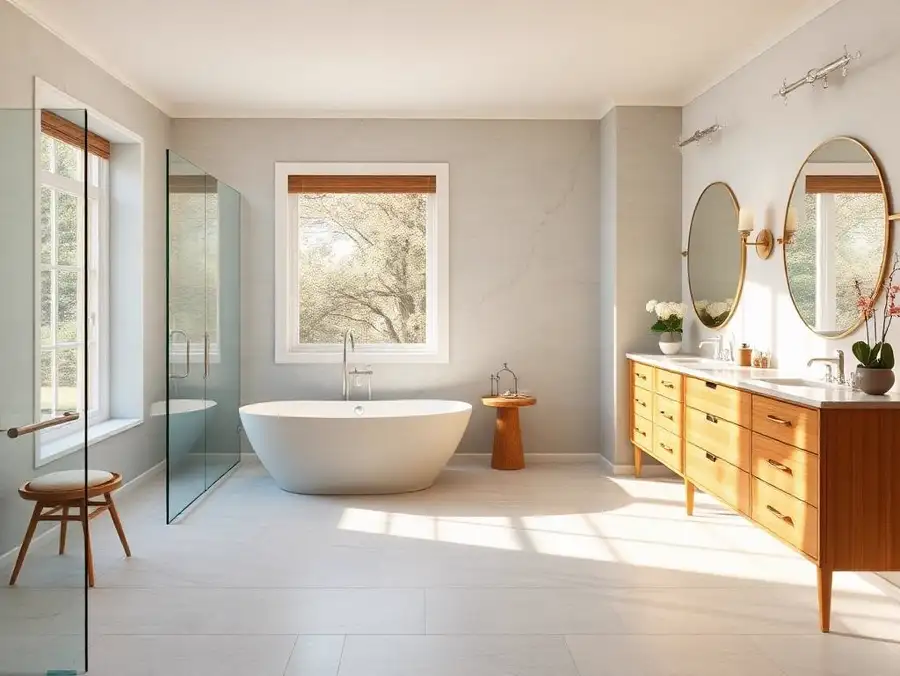
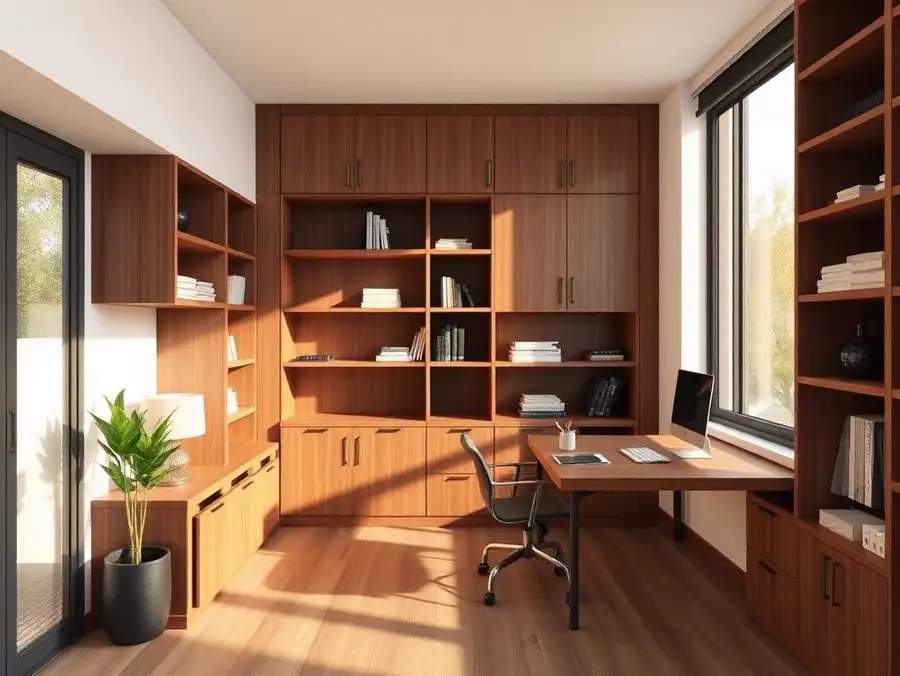
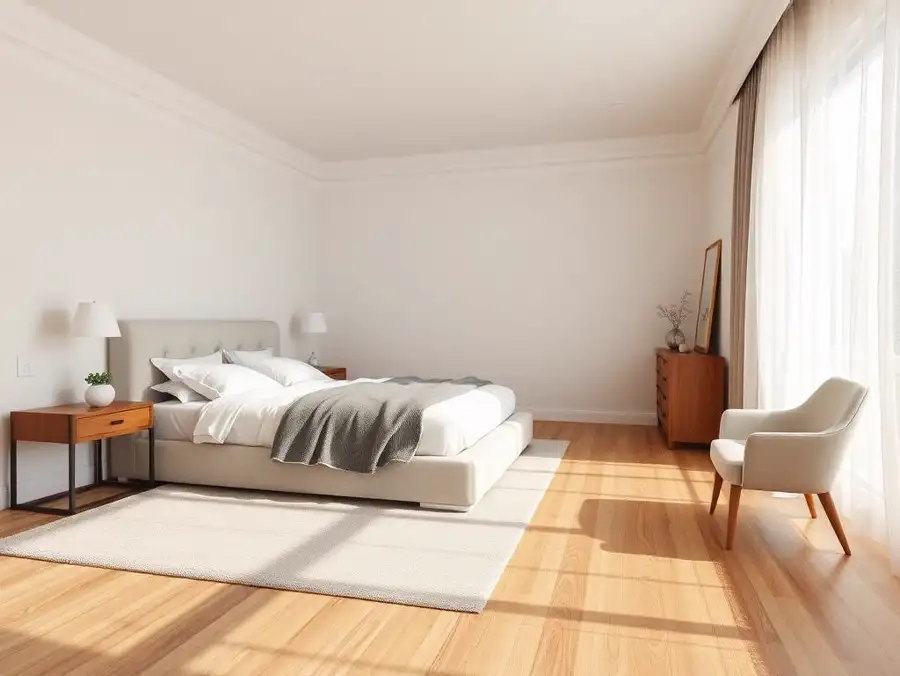
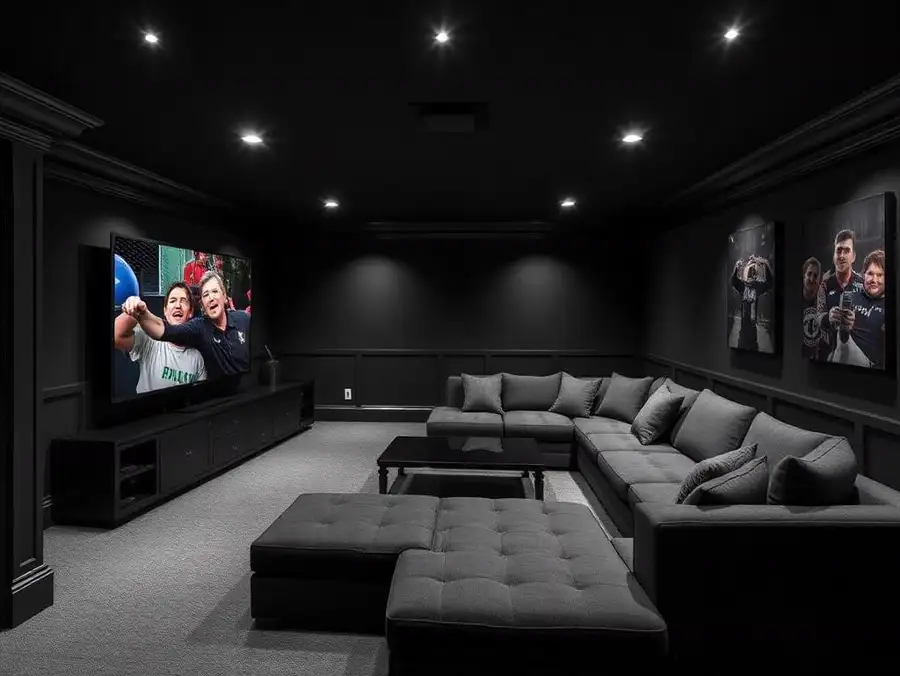
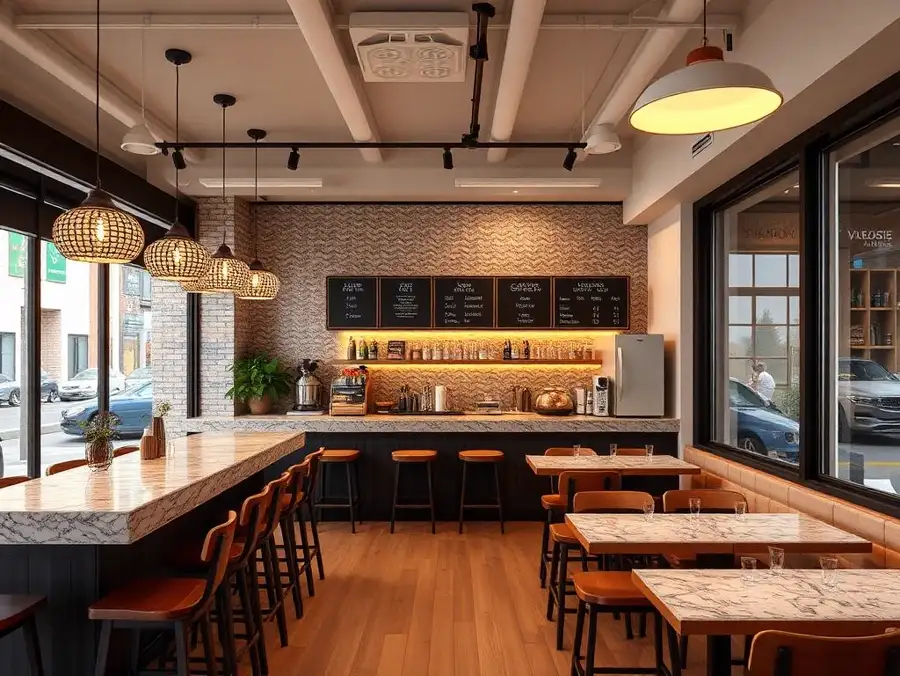
A sample of the project types this tool is used for.
Who uses it
Why professionals choose ProGradeAI
Built for builders, architects, designers, and real estate teams who ship work on deadlines.
Photorealistic quality
Renders that read like photography, with believable depth, reflections, and shadow falloff.
Material-accurate rendering
Marble, quartz, hardwood, tile, brick, and steel behave like the real surface under real light.
Fast turnaround
Minutes instead of the three to ten days a traditional rendering studio quotes per image.
AI-powered workflow
Upload a plan, answer a few material questions, download. No CAD, no modeling, no render farm.
Commercial use
Use your renders in listings, decks, brochures, investor packages, and paid advertising.
High-resolution exports
Full-resolution files suited to print, presentations, and large-format marketing.
Frequently asked questions
Can I test two siding colors?
Yes. Run the same elevation twice with different material inputs and compare the outputs side by side.
Does it add landscaping?
Yes, and you can steer it. Ask for mature trees, desert planting, or a simple lawn depending on the market.
Will it invent windows that are not on my drawing?
No. Openings are held to the elevation. That fidelity rule is enforced during generation and checked before the image is returned.
Can I get a dusk shot?
Yes. Twilight exteriors with warm interior glow are one of the most requested variations.
What about multifamily exteriors?
Small multifamily works well here. Larger commercial facades belong on the commercial building page.
Related services
AI Interior Rendering
Living rooms, bedrooms, offices, and open plans rendered with the finishes you actually specified.
AI Commercial Building Rendering
Office, retail, and mixed use visuals for pitch decks, entitlement meetings, and leasing packages.
AI Architectural Visualization
Presentation imagery from drawings, without a modeling seat, a render farm, or a two week studio queue.
AI Real Estate Renderings
Give a plan-only listing the visuals it needs to compete with finished homes on the same search page.
AI Construction Renderings
Contractors who show a render with the bid close more work than contractors who show a number.
Related articles
From Floor Plans to Photorealistic 3D Renderings: How ProGradeAI Helps Construction Companies & Real Estate Professionals
See how AI 3D rendering turns floor plans, blueprints, and architectural drawings into photorealistic interior and exterior renderings with accurate materials, for builders, architects, and real estate professionals.
The Best AI Tools for Real Estate Photographers in 2026
A practical guide to the AI tools real estate photographers actually use in 2026. Color grading, batch editing, sky replacement, 3D floor plans, and the workflows that save hours per shoot.
Upload Your Floor Plan Today
Turn a drawing into a photorealistic render with accurate materials in a few minutes.