
AI Photo Editing for Airbnb Hosts: Get More Bookings in 2026
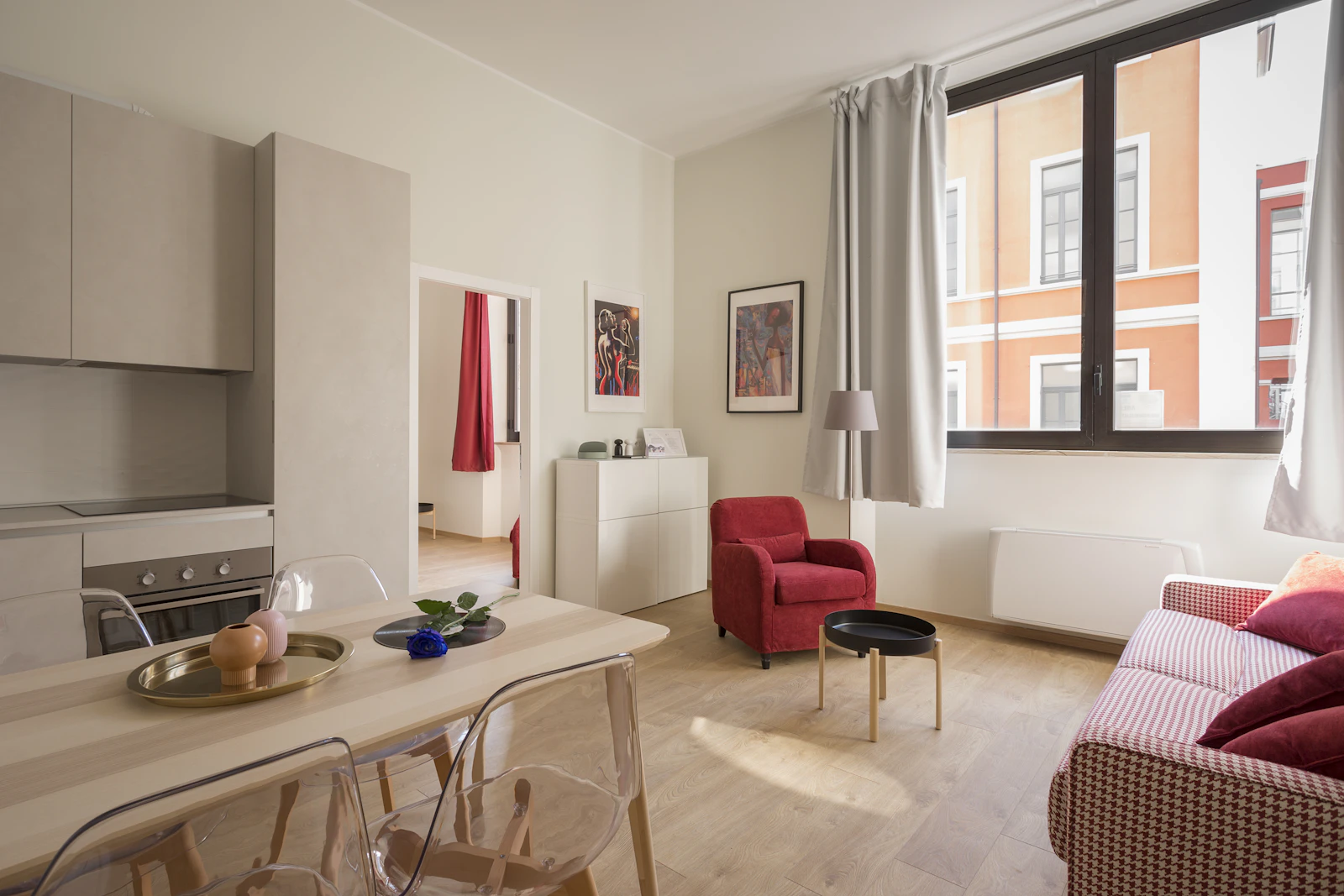
Fix Your Photos in One Click
Upload a photo and let ProGradeAI handle exposure, white balance, and color grading.
Airbnb is a search results page. Guests scroll, glance, and tap. Your cover photo gets roughly half a second to earn a click, and every other photo in the gallery has about the same window. If the photos are dark, yellow, or flat, you lose the booking before the guest ever reads your description. This guide is about fixing that, fast, with AI photo editing built specifically for the kind of photos hosts actually take.
You do not need a DSLR. You do not need a photographer. You need photos that look bright, clean, and inviting, and you need them to look that way across the entire gallery so the listing feels professional instead of thrown together.
Why most Airbnb photos underperform
Most host photos share the same three problems. Rooms look darker than they actually are because phone cameras struggle with mixed lighting. Walls look yellow or orange because indoor bulbs are warm and phones do not auto correct well. Windows blow out to pure white, hiding the view that is often a major selling point.
Each of those problems is fixable in seconds with the right tool. Together, they are the difference between a listing that books out months in advance and one that sits empty on weeknights.
How AI editing changes the workflow
The traditional fix would be Lightroom plus an hour per photo. That is not realistic for a host running one or two listings on the side. The AI workflow is upload, click, download. ProGrade AI Real Estate mode was trained on professionally edited interior photography, which is exactly what an Airbnb listing photo needs to look like. It pulls highlights down, lifts shadows, neutralizes warm casts, and recovers window detail in one pass.
For hosts, this means the gap between a phone snapshot and a magazine quality listing photo is now about ten seconds of processing time per image.
Step by step, editing your Airbnb photos with AI
Step 1, shoot during the brightest part of the day
Open every blind, turn on every light, shoot between 10am and 2pm if you can. AI editing fixes a lot, but it cannot invent light that was never there. Bright source photos always produce better edits than dark source photos.
Step 2, upload to ProGrade AI
Drag the photo into the editor. Pick Real Estate mode. The AI handles the white balance, exposure, highlight recovery, and shadow lift automatically.
For dark rooms specifically, the fix dark photos AI tool is tuned to brighten interiors without making them look fake or noisy. For photos with strong yellow tungsten casts, the remove yellow tint photo tool handles white balance correction in one click.
Step 3, batch the rest of the gallery
Use the batch edit feature to run the same look across every photo in your listing. Cohesive galleries convert better than collections of mismatched images. Guests notice when one room looks warm and the next looks cool, even if they cannot articulate why it feels off.
Step 4, pick your cover photo carefully
The cover photo does about 80 percent of the conversion work. Pick the brightest, most inviting room. Usually this is the living room or the main bedroom, sometimes the kitchen if it is the standout feature. Avoid bathrooms and laundry rooms as covers, even if they are beautifully edited.
Common Airbnb photo problems and the AI fix
Dark living rooms. Lift exposure, recover shadows. See brighten dark photos online for the dedicated tool.
Yellow kitchen and bedroom photos from indoor bulbs. Neutralize white balance with the fix yellow white balance photo tool.
Blown out windows hiding the view. Real Estate mode automatically pulls highlights down and recovers window detail.
Grainy low light photos from evening shoots. The fix grainy photos AI reduces noise while preserving sharpness.
Phone camera flatness. Use the make photo look professional tool to add the contrast and depth that phone cameras flatten out.
See It on Your Own Photo
Run one of your images through ProGradeAI before you finish this article.
How edited photos affect your booking rate
Every major short term rental study comes back with the same conclusion. Listings with professional quality photos book at higher rates and command higher nightly prices than listings with phone snapshots, even when the actual property is identical. The photo quality signals listing quality. Guests assume that a host who cares about their photos also cares about cleanliness, communication, and the overall experience.
The math is simple. If better photos increase your booking rate by even 10 percent, that is multiple extra bookings per month. The cost of editing every photo with AI is a fraction of a single night's revenue.
For hosts with multiple listings
Running three or more listings turns photo editing into a real workflow problem. The batch style match feature lets you process up to five photos at once with a consistent look, which means a 30 photo listing takes about six rounds of batch editing instead of 30 individual edits. Across multiple properties, this saves hours every month.
Pair this with shooting all your listings on the same day with the same lighting setup, and your portfolio starts to look like it came from one professional shoot instead of being assembled over years.
Beyond the basics, advanced tips
Reshoot one room per quarter. Listings that update photos regularly stay fresh in Airbnb's algorithm and feel current to repeat browsers.
Add seasonal photos. A winter cover shot in December and a sunny patio shot in June both perform better than a single year round image.
Edit before you upload, not after. Once Airbnb compresses your photos, edits applied later have less to work with. Always upload the cleanest possible version.
Match your gallery order to the guest journey. Cover, then living room, then kitchen, then bedrooms, then bathrooms, then exterior, then unique features. This is the order most guests want to see.
Try ProGrade AI on your next listing photo
Pick the worst photo in your current Airbnb listing, the one you have been meaning to retake. Run it through ProGrade AI Real Estate mode in the next two minutes. Compare the before and after. If the AI version looks better, replace it on your listing today and watch your booking rate over the next two weeks.
Your first AI edit is free without an account, and creating a free account gives you three. Hosts running multiple listings should look at the Pro plan, which includes 50 AI Touches per month and the batch editing workflow built for galleries.
Better photos. More bookings. Less time editing. That is the entire pitch.
Share this post
Try ProGradeAI Free Today
Studio-quality color grading, exposure, and white balance on every photo, in seconds.
Explore ProGradeAI tools
Jump straight into the tool behind this article.
Floor Plan to 3D Rendering
Photorealistic renders with real materials
Turn a Floor Plan Into a 3D Image
2D plan to 3D visualization
AI Real Estate Photo Editor
Listing-ready interiors and exteriors
AI Color Grading
Studio color in one click
Batch Photo Editing
Consistent grading across a full shoot
AI Image Enhancer
Sharper, cleaner, better exposed
Why professionals choose ProGradeAI
Built for builders, architects, designers, and real estate teams who ship work on deadlines.
Photorealistic quality
Renders that read like photography, with believable depth, reflections, and shadow falloff.
Material-accurate rendering
Marble, quartz, hardwood, tile, brick, and steel behave like the real surface under real light.
Fast turnaround
Minutes instead of the three to ten days a traditional rendering studio quotes per image.
AI-powered workflow
Upload a plan, answer a few material questions, download. No CAD, no modeling, no render farm.
Commercial use
Use your renders in listings, decks, brochures, investor packages, and paid advertising.
High-resolution exports
Full-resolution files suited to print, presentations, and large-format marketing.
Related articles
Keep reading across our AI rendering and photo editing guides.
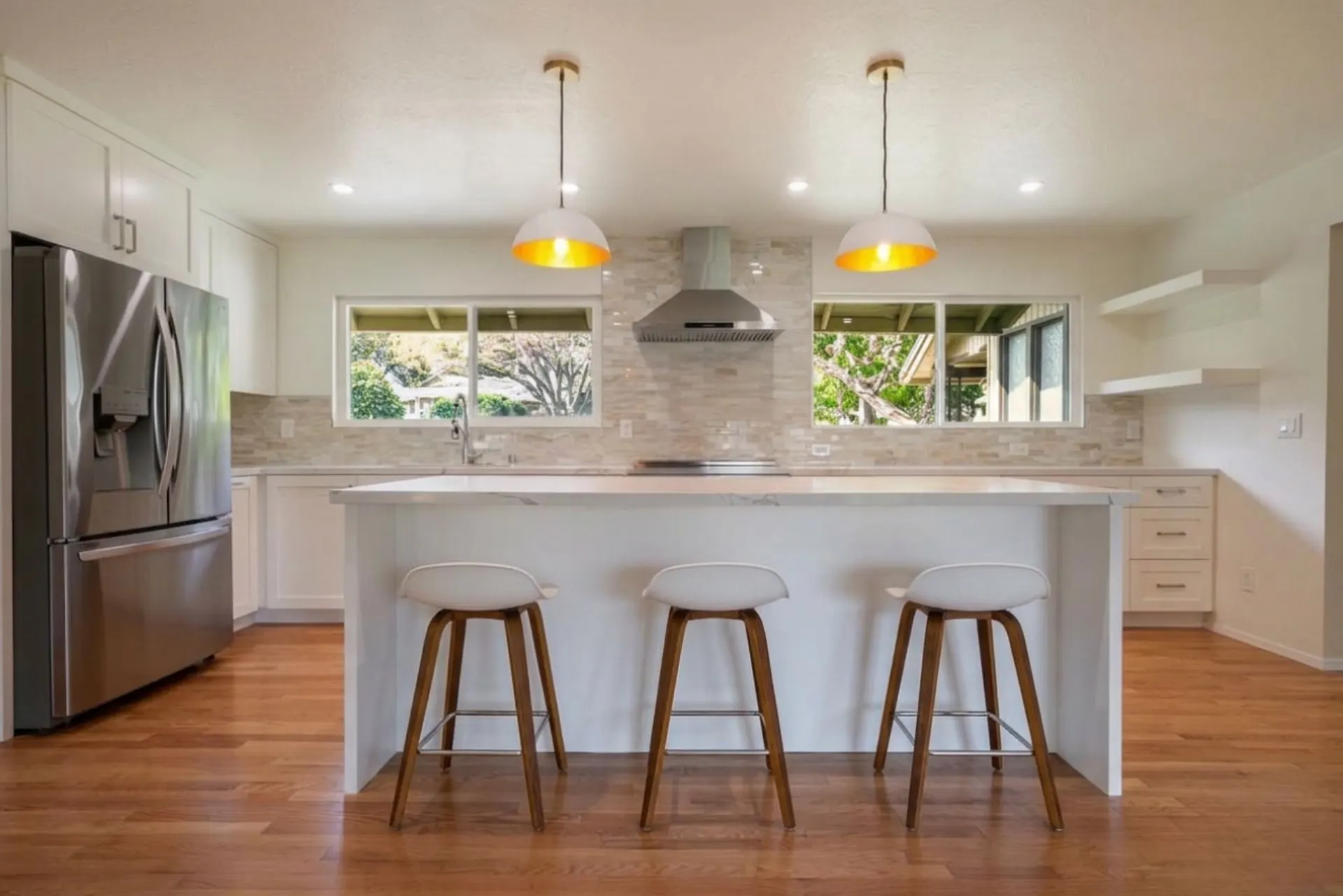
AI Color Grading: How It Works and How to Use It on Your Photos
AI color grading explained: what it is, how scene analysis and tonal decisions work, what it can realistically fix, how it handles RAW files and full shoots, and when manual editing is still the better call.
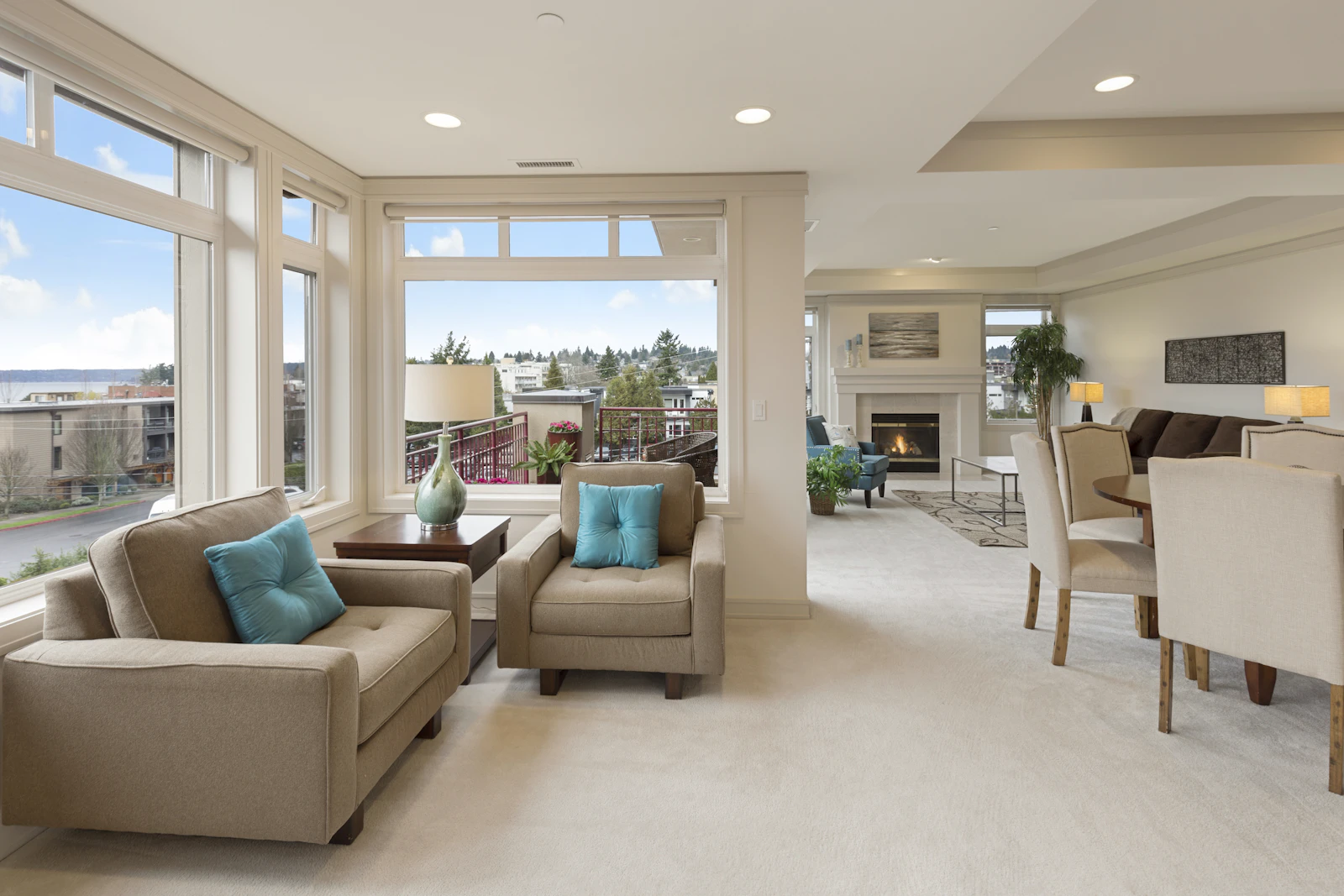
How to Color Grade Real Estate Photos with AI in 2026
A complete guide to professional real estate photo editing and color grading with AI. Learn the workflow photographers, agents, and Airbnb hosts use to deliver magazine quality listings in minutes, not hours.
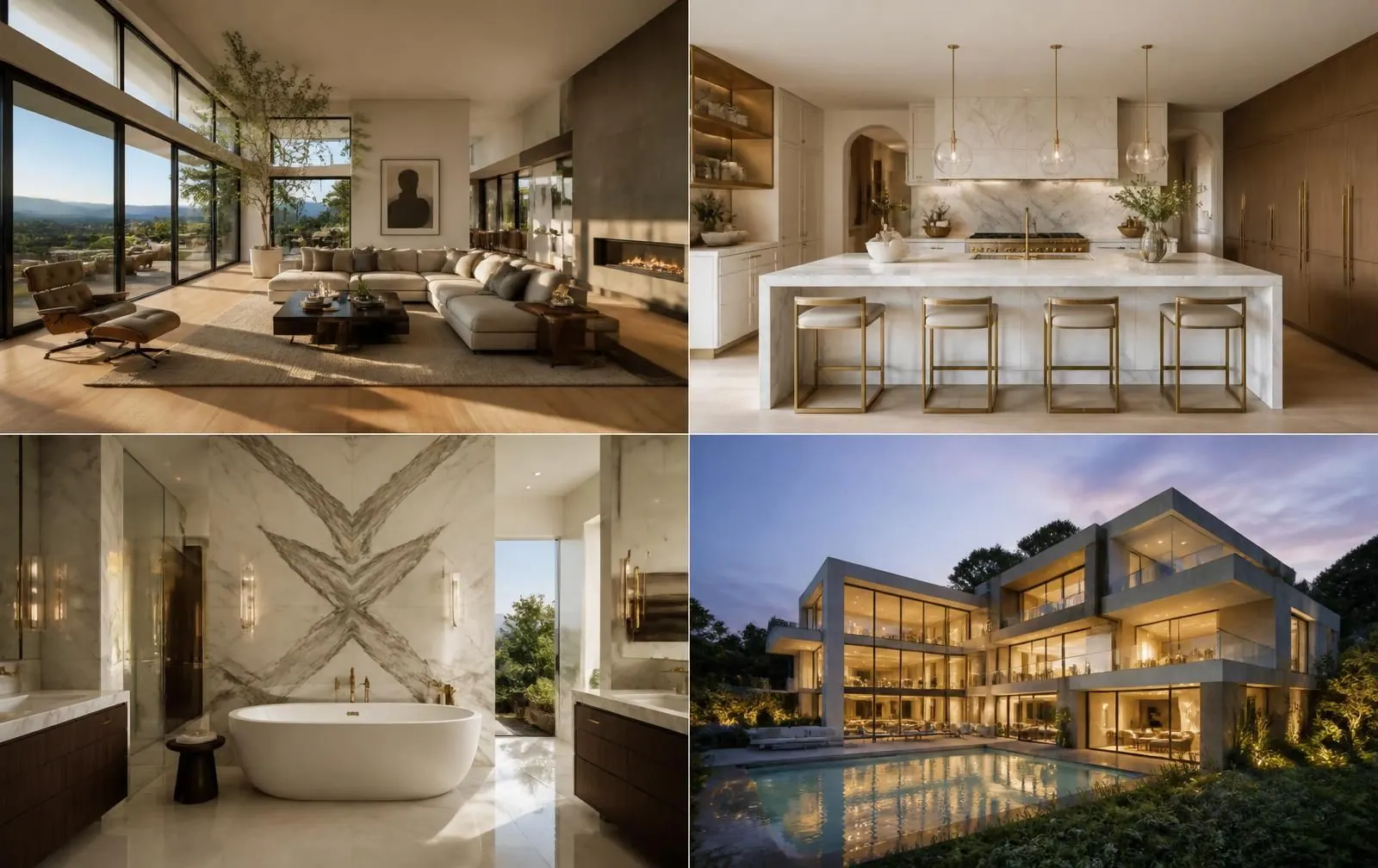
From Floor Plans to Photorealistic 3D Renderings: How ProGradeAI Helps Construction Companies & Real Estate Professionals
See how AI 3D rendering turns floor plans, blueprints, and architectural drawings into photorealistic interior and exterior renderings with accurate materials, for builders, architects, and real estate professionals.

Skip the $500 3D Designer: Visualize Your Renovation for the Cost of a Coffee
Hiring a 3D designer for a remodel costs $150–$500 per room and takes days. With ProGrade AI, upload your floor plan, pick materials, and get a photorealistic render of your real space in under a minute.

Turn a Floor Plan Photo Into a 3D Render in Under a Minute
You don't need CAD files or a design background to get a photorealistic 3D floor plan. Here's how real estate photographers are converting plain floor plan photos into furnished, photorealistic renders.
How AI 3D Rendering Is Transforming Home Remodeling in San Diego
Discover how AI 3D rendering is changing home remodeling in San Diego. Visualize bathrooms, kitchens, ADUs, and interiors using realistic AI-generated renders with custom materials before construction begins.